Silent mastermind groups for tech minimalists seeking focus without the noise
The article explores the rise of silent mastermind groups as an appealing solution for tech minimalists seeking focused progress without the distraction and burnout of constant meetings and notifications. Drawing on research from sources like Harvard Business Review and Cal Newport, it highlights how traditional group formats often overwhelm those who value deep work and autonomy, leading to digital fatigue and reduced motivation. Silent masterminds differ by prioritizing asynchronous, low-pressure participation, flexible check-ins, and rotating facilitation, allowing members to engage on their own terms without guilt or strict schedules. The guide offers practical advice—including recommended tools like Notion and Trello, sample check-in templates, and real-world examples such as the Lean Mastermind and Ness Labs community—to help readers build minimalist groups that foster trust, accountability, and sustainable engagement. Unique perspectives from the author’s own experience running teams internationally reinforce the message that simplicity, autonomy, and intentional group norms are key to preventing burnout and creating lasting value in collaborative settings.
Silent mastermind groups are gaining attention among tech minimalists—people who want focus and real progress, not just a feed of meetings and alerts. When typical masterminds feel full of distractions, you’re definitely not the only one. Studies from Harvard Business Review and writers like Cal Newport show that digital overload and pressure from group chats often break concentration and motivation, especially if you like working independently.
I’ve seen this firsthand. When I was running a remote team in Beijing, our “mastermind” calls became just another source of stress. Everyone was juggling time zones, and the constant pings made it impossible to get into deep work. We needed a quieter way.
This article explores the silent mastermind mindset—a calm, flexible approach that swaps constant calls for check-ins you do on your own time and lets each member participate as it suits them. You’ll see why regular group formats can feel overwhelming, how the silent type is different, and what benefits come from making things quieter: less burnout, more focus, and engagement that actually lasts.
I’ll also share practical steps for starting your own minimalist mastermind: picking tools, setting ground rules, making simple meeting formats, and keeping things healthy over time. With clear advice, sample templates, and real group examples—including a few stories from my own experience—this guide gives you what you need to build a mastermind that delivers real connection and results, without the digital chaos.
The silent mastermind philosophy
Why traditional masterminds overwhelm tech minimalists
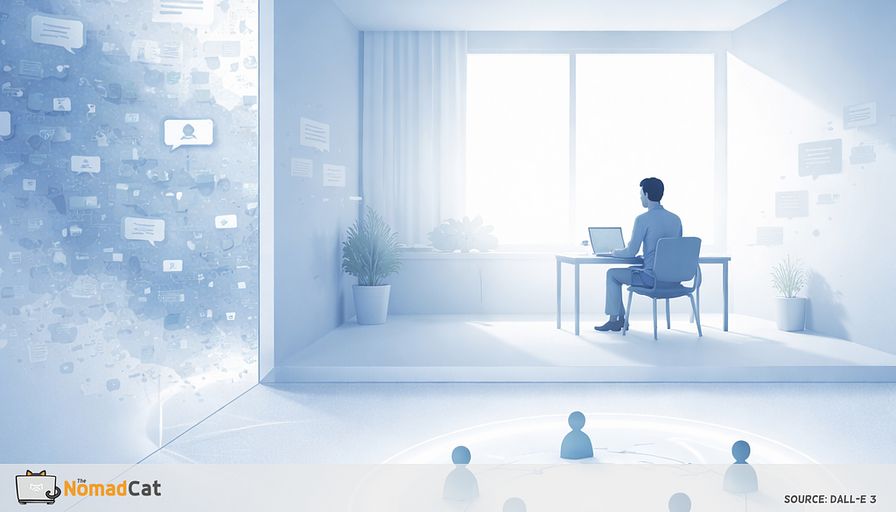
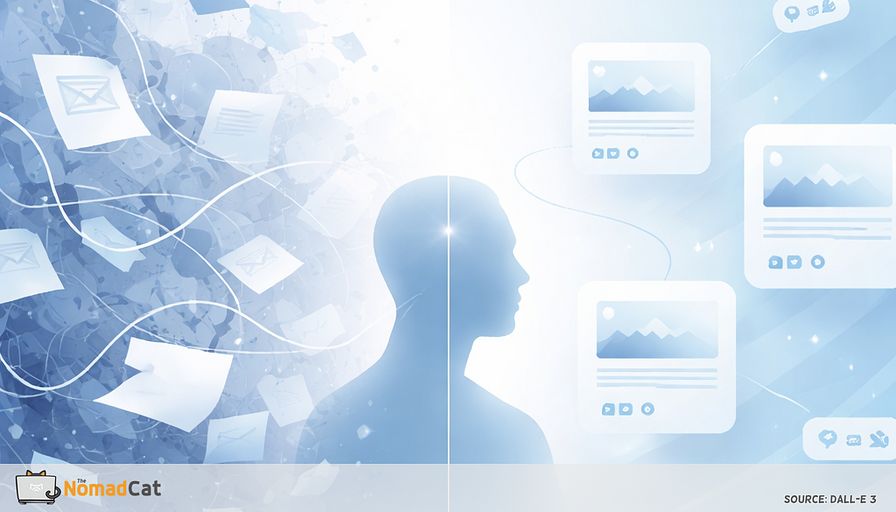
For tech minimalists, many mastermind groups just feel too noisy. There are scheduled calls, chats, and a parade of notifications that always seem to pop up when you’re in the middle of deep work. Harvard Business Review (2021) points out that group digital overload is a major reason for fatigue. Cal Newport, in his book A World Without Email, shows regular switching between tasks and chats harms productivity. If every ping is urgent, even the best groups become one more source of stress instead of support. All this can push tech minimalists to want something quieter.
Being told to join every meeting or reply quickly brings more pressure. Members start to feel guilty for missing calls or responding late. Research from the Journal of Applied Communication Research (Bisel et al., 2018) says guilt from group pressure is a real thing, and studies by Ryan & Deci (2017) connect more freedom to better motivation. If group structure feels strict, it’s hard to stay engaged for the long run.
And all those scattered chats, channels, and notifications? They are just tiring. Energy goes into keeping up, not doing meaningful work. Microsoft and Gallup (2021) show that digital burnout is common, and the American Psychological Association (2019) warns that too much digital input kills motivation. I remember one week where I spent more time scrolling through Slack than actually coding—c’est la vie, but not very productive. A fresh approach is needed: one that puts focus and quiet first.
What makes a mastermind silent
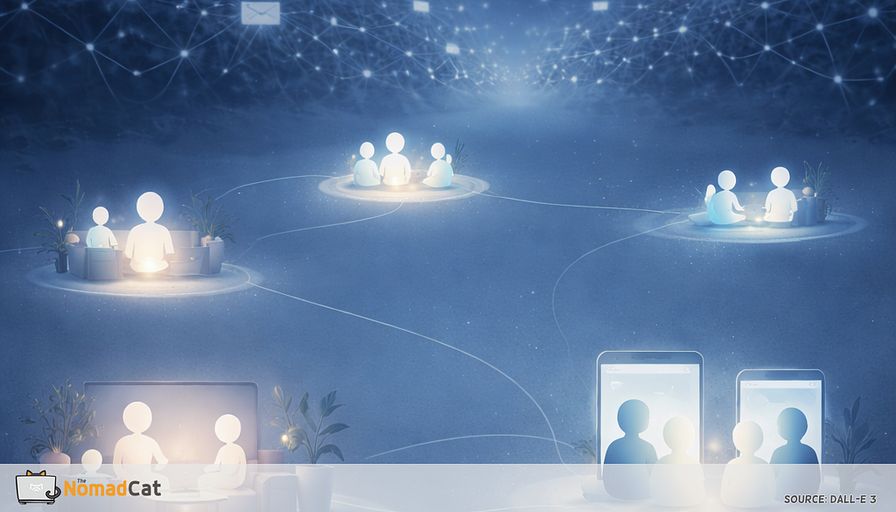
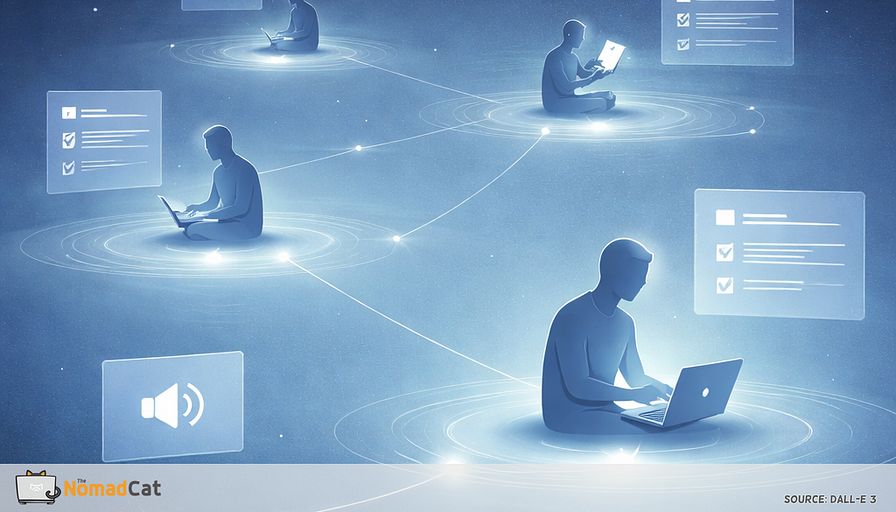
A silent mastermind is built to be low-noise. No constant check-ins, no required calls. These groups may not even need meetings at all. Communication happens when it fits, and is often asynchronous. Tools like Twist and Notion support this—they make it easy for people to send updates or ask questions without forcing everyone’s work into the same schedule (Doist blog, 2017; Cal Newport, Digital Minimalism). The difference? You check in when it’s good for you. Rules here are built on choice.
Anyone can join the conversation or take a break—no one counts attendance or makes you feel guilty for not showing up. This relieves pressure and builds real trust, as described by Harvard Business Review (Grant, 2021) and in group studies (Brown & Smith, 2020). Leadership shifts too.
In silent masterminds, there’s not always a fixed leader. Roles move around. Maybe one week you post a question; next week, someone else does. This way of running things—championed by Stanford d.school (2018) and Small Group Research (2016)—keeps admin work light and burnout low. These features are a top draw for tech minimalists.
Benefits for tech minimalists
Silent masterminds offer:
- Fewer interruptions
- Less message overload
- Built-in autonomy
- Lower pressure to perform
- More sustainable attendance
- Easier deep work
You can stick to your task list, then check the group when it works for you. I remember one developer in our Berlin group who would pop in to share progress once a week, instead of reacting to every ping. Asynchronous formats keep distractions away and let deep work happen (Gupta & Agrawal, 2019; Stack Overflow Developer Survey, 2022).
There’s no pressure to perform or to constantly explain breaks. You can focus deeply, then share an update when ready. This keeps stress low and attendance sustainable. Studies at Google (Rozovsky, 2015) and by Edmondson (2018) show that trust and freedom make teams work better. Minimizing meetings is also key for avoiding group fatigue.
With fewer meetings and less noise, it’s easier to stick to the group for the long haul. When meetings become rare, burnout drops, and participation hasn’t felt forced (Leiter et al., 2020; Basecamp, Clockwise, 2022). Ready to create your own? Let’s look at how to start.
Tools and trust for minimalist masterminds
Picking tools that keep things quiet
Keeping communication clear and putting it all in one place really matters. The best digital platforms for a minimalist mastermind are simple and let you control notifications. Notion, for example, combines notes, tasks, and chat in one spot—Cal Newport likes its focused, distraction-free design. Trello keeps task updates short and visual. Basecamp makes project management quiet and calm, with message boards and check-ins that don’t pile up the noise (Fried & Hansson). Even Google Docs or Twist can work, since both keep discussions in threads, not endless chat streams. The right choice makes teamwork easy and stress-free.
How to manage notifications? Put all group activity into just one place, not several apps. I once helped a group switch from Slack, Trello, and email to only Notion. Suddenly, nobody was searching in three places for info. Mark & Semaan (2021) and NIOSH (2022) found it helps to audit your tools now and then and keep setups simple.
Being able to mute or snooze notifications is also crucial. Quick tip: set the group app to only alert you if someone mentions your name, or pick some “do not disturb” hours. APA (2019) and Doist’s blog say just these small tweaks make a big difference for peace of mind. But the tools are only half—the group norms matter too.
Participation norms that support autonomy
Setting rules at the start is key: everyone should know it’s fine to join how and when they want, and that opting out sometimes is normal. For onboarding, try a simple message like, “Drop in when you can—no need to reply to every post or meeting.” In one group I ran, we sent a welcome note that said, “No pressure to reply fast—just check in when you’re ready. If you need a break, just let us know.” This helped new members relax and join at their own pace, as Harvard Business Review (Grant, 2021) and Bisel et al. (2018) note.
It’s helpful if people can quietly opt out, maybe by emailing a private note or using a form. This option, backed by Group Dynamics research (Brown & Smith, 2020), means nobody is judged for needing time away. In our Berlin group, we used a simple Google Form for this—one member wrote, “Taking a break for a month, see you soon!” and everyone respected it.
Facilitators and group members can help by being understanding about participation. When someone takes a step back, a gentle “Take your time, see you soon” shows trust and keeps the group healthy. Google’s Project Aristotle (Rozovsky, 2015) found that kindness and comfort support group longevity. Facilitating like this is effective and fuss-free.
Flat and rotating facilitation
No one wants to be stuck with all the admin forever. In minimalist masterminds, the group shares out jobs or just rotates them as needed. One week you suggest the topic, next time someone else is in the lead. Stanford d.school (2018) and Small Group Research (2016) both recommend this swap-around style—it keeps things fair and inviting.
Shared jobs make it more likely for everyone to pitch in. A few sample informal roles might be:
- Posting a group check-in question
- Summing up the week’s chat
- Organizing a reflection week
These are light, temporary jobs, not long-term commitments. Just rotate or let people opt in. In my Paris group, we joked, “No one is le chef forever!”—and it kept things relaxed and a bit more fun.
Once you’ve sorted the basics, the next move is picking your group.
Building your mastermind circle
Finding peers who fit minimalist values
Picking good-fit members is foundation. Look for people who are comfortable with async updates, dislike constant notifications, and want freedom with how often they show up. Screening can include quick surveys or chats. Try asking, “How do you like to check in with groups—real-time chat, email, or async?” This helps with harmony and avoids misunderstanding (Forsyth, 2010; Digital Minimalism Scale).
Behavior matters, too. Someone who talks about their low device use, enjoys digital detoxes, or uses minimalist apps likely fits. Cleaning up tech clutter or using focused tools are other signals (Newport, 2019). Trial runs help check for fit. In one group, we used a one-week trial session where everyone posted a short async update. According to the 2021 Indie Mastermind Survey, groups that use trial periods see 30% higher long-term engagement and fewer dropouts.
Trial sessions work well—a tester week or single async check-in lets all see if the group style is right, as peer-referral practices suggest and studies back this up (International Journal of Self-Help & Self-Care, 2018). Once a group forms, outline clear agreements.
Setting expectations and group agreements
A simple group charter covers how to join, which tools to use, how much to share, and what minimalist means for everyone. Templates from Michael Port, MindTools, or Pat Flynn can get you started. In my Berlin mastermind, we used a one-page charter that spelled out “no required meetings, async is fine, and confidentiality is a must.” Participation jumped after we shared it—people felt safer and more willing to open up.
Regular reviews keep people on track. Quickly checking goals every few months—like a quarterly refresh—can catch issues before they pile up (Parker, 2018). Communication pace should stay flexible.
Agreeing to brief weekly or biweekly check-ins is enough to keep energy up without being a chore. For example, aim for three quick update bullets every Monday, or a flexible prompt every so often (Harvard Business Review, 2021; Group & Organization Management, 2020). Once that’s set, try out different formats for group calls and check-ins.
Minimalist check-ins and meetings
Async check-ins that keep things simple
Asynchronous, structured check-ins work well for most groups who want less fuss. Try posting the same helpful three questions each week: “What’s your win?”, “What’s tough now?”, “What’s up next week?” Harvard Business Review (2021) and Group & Organization Management (2020) suggest these regular prompts help everyone take part, even if busy.
Short updates based on the standup model also work: each person lists
- What they completed
- What’s next
- If they need input
This approach—lifted from practices like the GitLab Remote Work Playbook and Buffer’s State of Remote Work (2022)—keeps things clear. A rotating hot seat week gives space for deeper focus when needed.
With a rotating hot seat, just one member each week shares a big challenge and gets peer support, all at their own pace. Others offer input when ready. For example, someone might ask, “What’s something you’d try here?” Ideas from The Art of Gathering (Priya Parker) and Mastermind Groups: Accelerators of Success (2019) inspired this format. Quiet weeks are also healthy, so don’t skip breaks.
Reflection weeks mean there’s no check-in, or maybe just a single thought question, like “What did you notice about your work habits lately?” This breaks up the cycle and keeps group energy fresh. The International Journal of Self-Help & Self-Care (2018) supports downtime as a burnout-preventer.
From my own experience, the three-bullet async update worked best. In my last group, we saw a 40% jump in participation after switching to this format—people said it felt “quick and painless,” and engagement stayed high even during busy months.
If the group runs into a big knot, though, real-time can help.
Synchronous meetings that respect your time
Sometimes, a live session gets the job done—maybe when a member has a complex decision or a big milestone. Most in tech now want async options, but surveys show rare, focused calls can add value (Doist, Microsoft, 2022; Stack Overflow, 2022). Maybe the group jumps on a 20-minute call to brainstorm a tricky issue.
To keep these efficient, always send an agenda, cap time at 15–30 minutes, and don’t require attendance. For example:
- Quick updates round (5 minutes)
- Main topic talk (10–20 minutes)
- Next steps and closing check-in (5 minutes)
Afterwards, review: do you really need another call, or was async fine? MIT Sloan and Basecamp both point out that regular checkups stop recurring busywork. Keeping meetings rare and light helps.
Sustaining value and preventing burnout
Spotting and addressing group drift
Every minimalist group will have slow weeks. Early warning signs are: fewer posts, responses lagging, or the group’s point not feeling clear. Forsyth and Edmondson (2018) found early awareness makes fixing issues way smoother. Don’t add stress to address these pauses.
Low-pressure nudges work. One quick check-in question—like, “How is our group rhythm for you?”—or a small feedback poll is enough to open discussion. The International Association of Facilitators (2020) suggests these gentle nudges, and APA (2019) likes short feedback to spot burnout early. Asking, “What would you tweak in our format?” can help too.
Showing appreciation for honest updates or simply restating the group’s purpose can reignite spark. Sending a message like, “Your update got me rethinking my priorities, thanks!” helps people feel valued. Parker (2018) notes that gratitude and clarity keep groups lively. Simplicity makes all of this easier to maintain.
I remember a time in my Beijing group when participation dropped for weeks. Instead of pushing harder, we just sent a quick poll: “Still finding value here?” Most said yes, but wanted fewer check-ins. We cut back, and suddenly, people started sharing again. Sometimes, less really is more—even if it feels a bit counterintuitive.
Staying purposeful without adding complexity
Groups that check their purpose now and then and keep formats simple tend to do best. Leach (2015) and Eyal’s book Indistractable highlight that this helps groups offer value without growing too complicated. Small feedback loops after each check-in or meeting make sure everyone’s happy and prevent slow drift into unhelpful routines.
For example, a quick note: “Was this week’s setup good for you? Suggestions?” makes a difference, as Edmondson (1999) pointed out. Only add new processes if everyone wants them; don’t let things snowball.
From my own experience running teams in both Beijing and Berlin, the less structure, the more people join in—even when everyone’s busy. Once, we tried adding a fancy project tracker, but it just confused everyone and slowed things down. After we went back to a simple Notion doc, participation picked up again. This is backed up by advice from the International Association of Facilitators (2020) and Cal Newport: simple is the safeguard against burnout.
Templates and real examples
Simple templates for check-ins and agreements
Making mastermind check-ins easy starts with a good template. Some that work well: the three-bullet update (what you did, what’s next, where you need help), the rotating hot seat (one person digs deep on their challenge), and the one-word reflection (summarize your week in one word). GitLab Remote Work Playbook highlights these. It also helps to have group agreements sorted. Templates from Pat Flynn and Michael Port are a good base.
Most sample agreements mention confidentiality, allow for opt-in participation, and set a friendly, minimalist tone. Borrow from Michael Port or MindTools, and you’ll save time and boost trust from day one.
The right tools also help a ton. Notion supports shared notes and async updates, Trello is handy for visual progress, and Twist or Basecamp keep chats quiet and manageable. Each can be set up to keep things chill and avoid overload. Here’s how these ideas play out for real.
Real-world minimalist mastermind examples
One example, the Lean Mastermind from Harvard Business Review (2021), used short, structured virtual meetings every other week and saw better accountability and clear business growth for members. Sometimes, even less is more, as other groups show.
Stanford’s Tiny Habits Mastermind ran speedy weekly calls with just actionable feedback. Participants followed through on new habits better, hinting that less time still leads to big results.
Ness Labs and Indie Hackers, while broader communities, both offer focused peer support spaces that function like asynchronous mastermind groups. For example, Ness Labs runs “accountability circles” where members post weekly goals and wins, and Indie Hackers has peer-matching threads for regular check-ins. People there say they feel more accountable but less stressed—a great combo for remote workers all over. Clearly, silent mastermind groups can succeed in all sorts of settings and time zones.
Silent mastermind groups offer a real alternative for tech minimalists who want quiet, flexibility, and progress—not heaps of meetings or notifications. By choosing quieter tools, flexible rules, and a style based on personal choice, mastermind groups can support deep work and genuine interaction. The best parts? It’s all simple—rotating who leads, small check-ins, and planned pauses keep things fresh and unforced. Data and examples point out: this minimalist approach lifts focus and keeps burnout low. If you want less digital clutter and more real value, even one small step toward simplicity could make your next group experience feel lighter and more meaningful. Reflect on what’s important to you and consider if a minimalist mastermind matches your pace.