The shutdown headache when work stops and your head logs catch up
The article explains why a common “17:30 desk headache” can show up right after you close the laptop even if the workday felt fine: once intense focus ends, your brain has more “CPU” to notice the small strain signals that were accumulating all day, so the pain feels delayed rather than sudden. Using a systems-thinking, “load management” frame (not supplements, not a big ergonomic overhaul, and not a diagnosis), it describes how screen-heavy, camera-on, high-precision work often reduces movement variability and increases subtle bracing across four load-sharing contributors—eyes (near focus and low blink rate leading to dryness and behind-the-eye pressure), jaw (the hidden teeth-hover clench), neck (sustained low-level activation), and even ribs/breathing mechanics (slumped, stiff ribcage pushing more work upward and encouraging shallow or paused breathing). It offers early “log file” clues (aggressive brightness, slow refocus, shoulders creeping up, breath-holding, temple pressure after chewing) and recommends using workflow “seams” (after Send, shipping a PR, joining/leaving a call, switching docs) instead of idealized breaks to insert a subtle, camera-safe 20‑second reset: two slow blinks plus a brief far look, let teeth separate and tongue soften, take one longer exhale with a tiny shoulder drop, and optionally add a small rib turn/side-bend. Finally, it suggests tracking one low-effort 7-day metric (e.g., 18:00 intensity, yes/no, or minutes to fade) and lists clear red-flag and worsening-pattern “stop rules” for when to seek assessment rather than continue self-debugging.
You close the laptop. Slack goes quiet. The day was fine, even productive. And then, right on schedule, the head pressure shows up. Forehead band. Tight temples. That mild behind-the-eye heaviness that makes the room feel 10% too bright.
I’ve done this in Beijing offices, then Berlin, and now in Lisbon. Same pattern: the head feels fine until I close the laptop. At 52, I still manage to be surprised by it, which is probably the most consistent part.
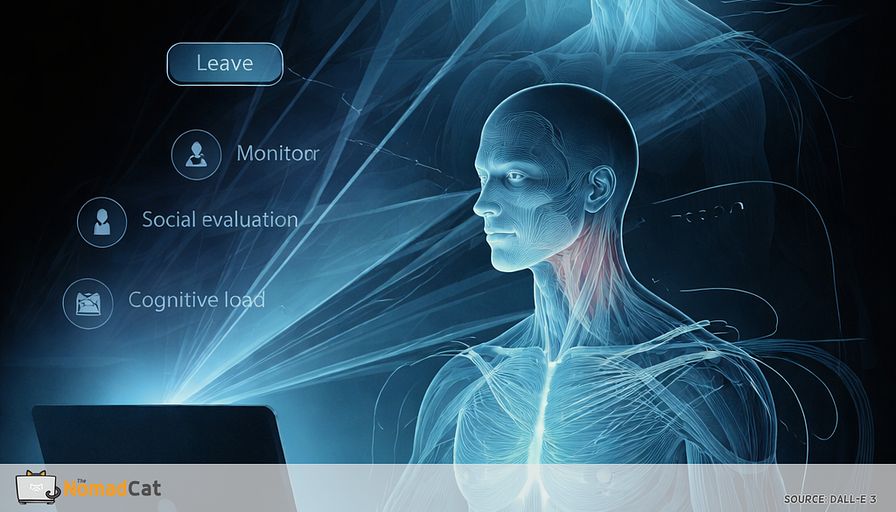
If that timing feels like a bug report, you are not imagining things. A common pattern is that nothing “new” happened at 17:30. You just stopped feeding all your attention to work, so the smaller signals that were stacking in the background finally get some bandwidth. Attention and context can change what pain feels like, and when you notice it, even if the inputs were there all day.
This piece is for the boring, everyday desk headache. Not supplements. Not a full ergonomic renovation (especially if you’re doing remote workations across Europe on bad chairs and worse desks). And not a diagnosis. The goal is simpler. Spot the quiet contributors that tend to pile up during screen-heavy days, and use small, meeting-safe adjustments that fit inside real workflows.
Here’s what gets covered:
- why symptoms can feel delayed until work ends
- 4 common “load-sharing” contributors that stack during desk days
- eyes
- jaw
- neck
- ribs and breathing mechanics
- eyes
- the early log files that often show up before the headache does
- how to use “seams” in your day (send, ship, switch, join a call) instead of relying on perfect breaks
- a 20-second patch that is subtle enough to survive camera-on life
- 1 low-effort metric to track for 7 days, plus clear stop rules for when getting assessed beats more self-debugging
No perfection required. This is less posture-as-a-personality-trait, more systems thinking. Small inputs compound. Small fixes can also compound.
The 17:30 headache that appears when work stops
Timing that feels like a bug report
That pattern is common. And it is often less “something suddenly happened at 17:30” and more “you finally had enough attention to notice what was building all day.” When attention shifts away from a demanding task, symptoms can feel more noticeable.
What it can feel like
- a band of pressure across the forehead
- tight temples, like something pulling sideways
- behind-the-eye heaviness, sometimes with a dry feeling
- mild light sensitivity, like the monitor brightness got rude
- a slight nausea edge, not dramatic, just annoying
This is not a diagnosis. It is a description. That matters because desk-day headaches often come from several small inputs stacking together. For many people, “screen days” are a mix of eyes, neck, jaw, breathing, sleep, and “did you drink any water or just coffee.”
Scope check. This is about common desk exposures and small, meeting-safe adjustments. Not supplements. Not a full ergonomics rebuild. And not medical advice. If headaches are persistent, changing, or worrying, proper assessment beats endless self-debugging.
Why you felt fine until it was over
Attention can mute the logs
When work is demanding, the foreground task gets priority. Background stuff gets fewer cycles, including noticing tight shoulders, a stiff neck, dry eyes, or the fact you have been holding your breath for 10 minutes.
When the task ends, the same input can feel louder. So “fine all day, headache at shutdown” is often delayed noticing, not 1 dramatic mistake at 16:47.
A useful reframe is load management, not a discipline test. Low variability for hours is the real theme.
A desk headache is usually a load sharing bug
4 quiet contributors that stack
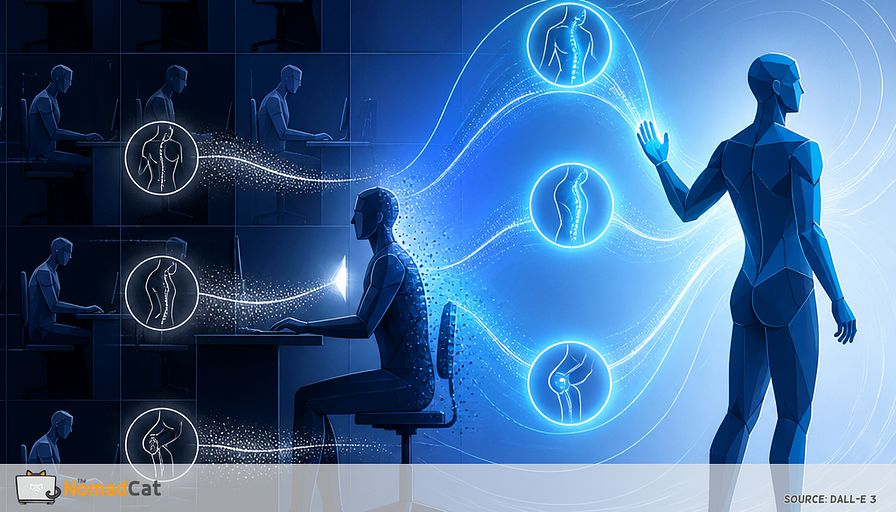
Desk headaches are often distributed-load problems. When normal movement variability disappears, load tends to migrate upward because head-adjacent systems stay online all day.
A practical map is 4 contributors that commonly stack
- eyes
- jaw
- neck
- ribs
Headaches can overlap and come from mixed sources, so this model is meant as a useful map, not a label.
Eyes
Screen work often reduces blinking and keeps focus at near distance. For many people, that combo can show up as forehead or behind-the-eye pressure, especially late in the day. Blink rate often drops during computer work, but it varies a lot—so it helps to watch for your own early signs, like “blinking feels absent until you notice it.”
A simple chain is
near focus + fewer blinks → dryness/strain signals → forehead or behind-the-eye pressure
Not everyone, not every day. But it is a common input.
Jaw
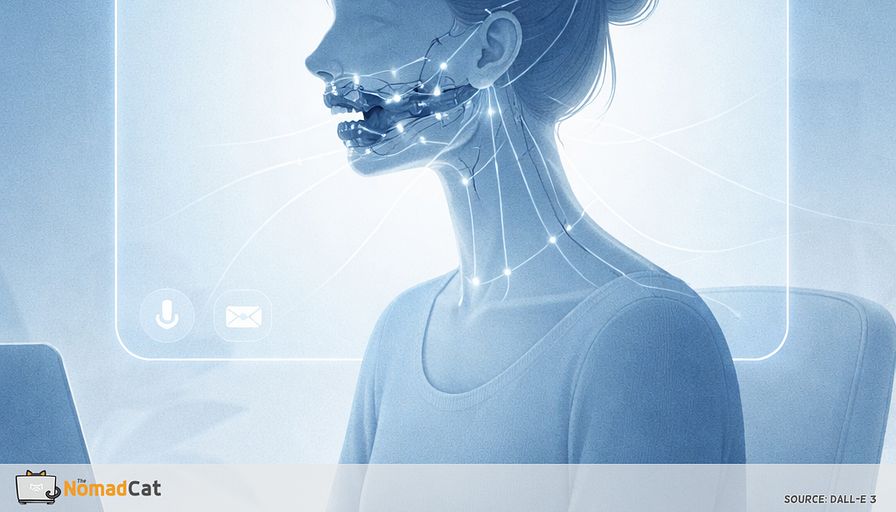
Precision work often comes with the “teeth-hover” thing. Jaw slightly clenched. Tongue pressed to the palate. Lips tight. General guidance for jaw issues often includes reducing unnecessary clenching. This is not a diagnosis, just a common bracing pattern that hides in plain sight.
Neck
If eyes and jaw are on, the neck often joins. The issue is rarely weight or a single posture. It is sustained low-level activation and fewer off moments. When movement variety drops for hours, discomfort is more likely for some people.
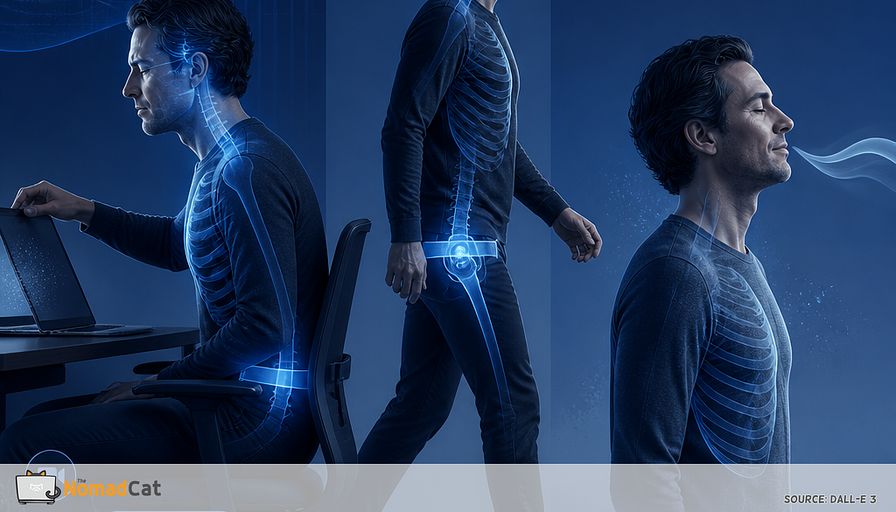
Ribs
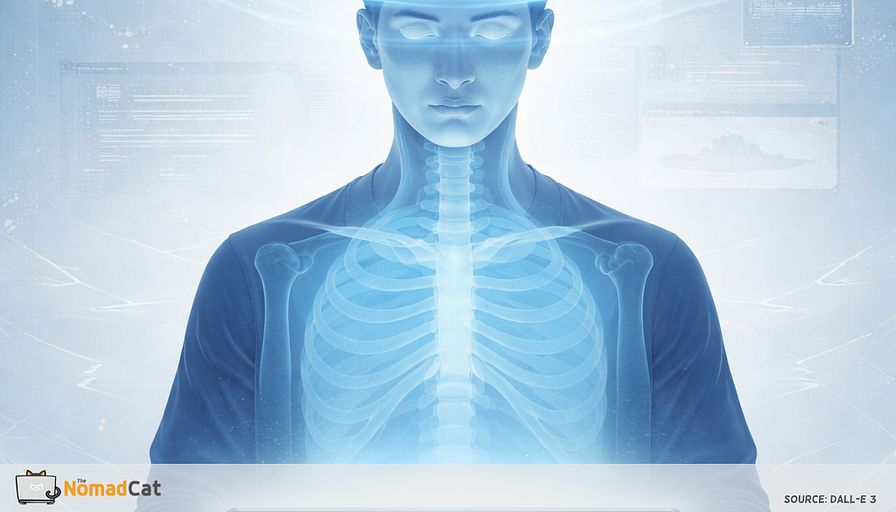
This one is easy to miss because it is not “in the head area.” If the ribcage stays flexed and stiff, the neck often does more steering to keep the eyes level. Over time, that extra steering can push neck and temple tension up, which can read like “head pressure” even if the original bottleneck was lower down. Slumped sitting can change how the upper back and neck share the load.
Why camera on and precision work amplifies it
Stillness is not neutral. It raises the dose of bracing.
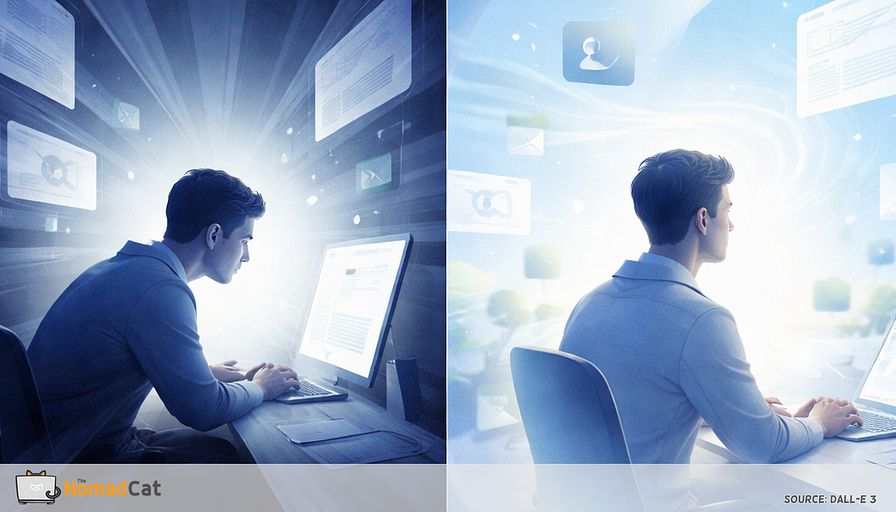
Video calls, debugging an incident, line-by-line review, high-stakes writing. Attention goes up and movement variability often goes down. So it is not “Zoom causes headaches.” It is “high-visibility precision work increases stillness, jaw tension, and small-breath patterns.”
The log files before the headache
A small early warning checklist
The headache is rarely the first symptom. It is often the first symptom you notice.
The goal is not perfect body awareness. Also not turning symptom scanning into a new background task. A simple rule is 2–3 cues is enough.
Eye logs
- distance refocus feels slow, like it needs an extra second to load
- a short transient distance blur when looking up
- blinking feels absent until you notice it
- dry, scratchy behind-the-eye feeling
- brightness starts to feel aggressive
- you lean closer without deciding to
Jaw and neck logs
- teeth lightly touching while thinking
- tongue pressed hard into the palate
- lips tight during concentration
- shoulders creeping up toward the ears
- neck turning but ribs staying still
- temple pressure that changes after chewing or yawning
Breathing logs
Cognitive load can change breathing patterns, including brief pauses during tasks.
- breath-holding while reading or clicking
- shallow, higher breathing
- the first real sigh happens late
- talking on calls feels slightly breathless
These logs are useful because they show where load is accumulating before 17:30.
Seams are cheaper than breaks
Scheduled breaks sound great. Then the meeting runs long and reality wins. Also, if your days routinely run late (mine sometimes go past midnight), “take a proper break every hour” becomes a nice idea you read once.
A more robust trigger is a seam, a natural endpoint already inside the workflow. It still happens on busy days, and it still looks like work.
Common seams
- after hitting Send
- after shipping a PR or pushing a commit
- when joining or leaving a call
- when switching documents for real
- when an export or build completes
- after closing a ticket
Even a short break—think 20 seconds, not a walk around the block—can be enough to lower the dose without breaking momentum.
The 20-second patch
Keep it boring and camera safe. Think small input, repeated often.
1 Eyes soften first
- Do 2 slow full blinks.
- Look far for 2 seconds, across the room or out a window.
2 Jaw off without making a face
- Let the teeth separate.
- Lips can stay together. Let the tongue be soft and wide, not pressed hard up.
Do not force the jaw open.
3 1 longer exhale
- Do 1 longer exhale than usual.
- Let the shoulders drop by 2 mm.
Keep it subtle. No dramatic inhale.
4 Tiny rib vote if you have 5 more seconds
- Staying seated, do a 5–10° mini turn or side-bend through the ribs.
- Return to neutral.
This is a motion snack, not a spine repair project.
Common failure mode is turning a 20-second patch into a 2-minute performance. Then it dies the first time a call starts early. If only 1 step happens, make it the eyes step.
A boring 7-day metric
1 data point
Track 1 thing for 7 days, around the same time each evening. Treat it like a trend line. I’m biased toward metrics (it’s the only way I trust my own opinions), but this is deliberately low-effort.
Pick 1
- 18:00 head pressure intensity 0–10
- 18:00 headache yes/no
- Minutes until it fades after work
Missing a day is fine. Lower burden survives real weeks.
Stop rules and when to get assessed
Most desk headaches are boring. This part is here as a safety rail so a “boring desk pattern” doesn’t accidentally cover up a non-boring situation.
If anything here feels like your case, don’t keep debugging it at home—get assessed promptly:
- sudden severe headache that peaks quickly
- new neurologic symptoms like weakness, numbness, confusion, fainting, or speech trouble
- fever with stiff neck
- head injury followed by worsening headache, vomiting, or confusion
- painful red eye or sudden vision change
If none apply, trend still matters. A new pattern, steadily worsening frequency, escalating headaches despite reducing exposures, or increasing reliance on pain meds are reasons to move from debugging to assessment.
That 17:30 headache is often not a random surprise. It’s what gets noticed once the tabs stop demanding your full attention, after a day of small, boring inputs that were easy to ignore while you were busy.
When eyes, jaw, neck, and even ribs share the work all day, the fix does not need to be dramatic. Seams beat perfect breaks. A 20-second patch after Send, after a PR, or when joining a call can keep the background costs from quietly stacking. Track 1 simple metric for 7 days, and keep the stop rules in mind if the pattern changes or escalates.
Most people already have 3–5 seams a day. The headache tends to care more about noticing them than about perfect breaks.