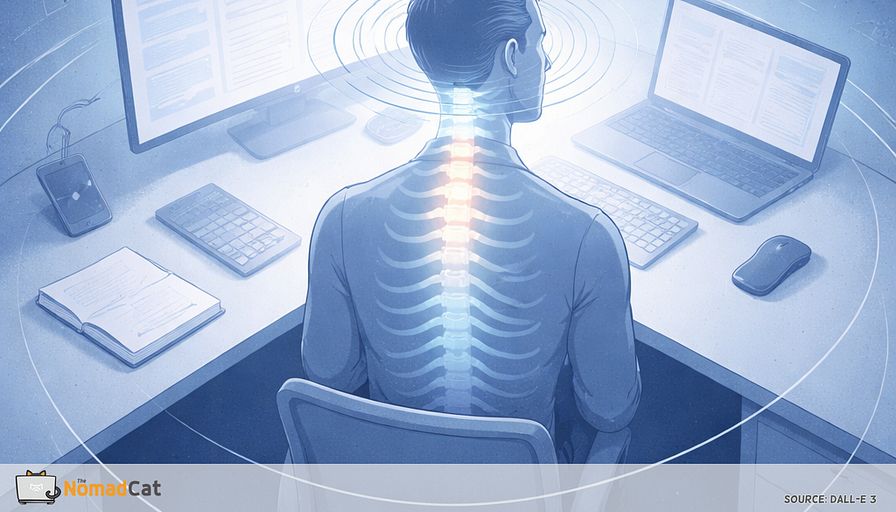
Why your seatbelt reach fails after a mouse heavy day
The article explains the familiar “18:30 moment” when, after a calm mouse-heavy workday, a simple reach—grabbing a seatbelt, threading the second jacket sleeve, hitting a back pocket, washing your back—suddenly feels stiff and mismatched, not injured, as if your shoulder got an unwanted firmware update. Its core message is that this usually isn’t one “bad posture” or a broken shoulder but a body stuck for hours in a low-variation desk configuration (arms forward, torso quiet), so when after work you ask for the reach-behind feature—an action that depends on ribcage rotation/extension, shoulder blade motion on the ribs, and upper-arm rotation—the system compensates by cheating with neck shrugging or low-back arching, which can feel pinchy or sketchy. To keep it practical and non-dramatic, it offers a 20-second self-check that compares each side while paying special attention to the often-missed ribcage contribution, then suggests two tiny “micro inputs” that fit into real workdays: a subtle ribs-first mini turn with an exhale, and a small scapula slide down/back followed by a gentle, non-forced back-pocket reach (2 reps, 10–20 seconds total), all guided by clear stop signs like sharp pain, apprehension, or tingling. Distinctively skeptical of “mobility program” vibes, it frames these moves as reading system logs before a real error, recommends tracking one real-life task (seatbelt/coat/pocket) instead of chasing range, and emphasizes event-based cues (after calls, emails, standing up) over timers so the habit survives actual work.
18:30 is a funny time to discover you have been “working” on the same posture for 10 hours.
The day felt fine. No drama. Then you reach behind for the seatbelt, fight the 2nd jacket sleeve, or miss the back pocket like your arm just got a firmware update you did not install. Not pain, not injury. Just that small insulting mismatch between what you think your shoulder can do and what real life asks for after a mouse-heavy day.
This article is for that exact moment. The purpose is simple: turn the weird reach-behind stiffness into something understandable and fixable, without adding a new hobby, a new app, or a 45-minute “mobility block” that dies on day 3.
Small, low-friction changes. More options. Less 18:30 surprise.
The reach-behind moment that makes you feel 10 years older
The accidental test at 18:30
A normal day feels fine, then you put on a coat and one arm suddenly negotiates like an old API. Seatbelt reach, jacket sleeve, back pocket, tucking in a shirt. Nothing dramatic. No sharp pain. Just a weird mismatch between what you think you can do and what real life asks at 18:30.
The desk did not hurt while it was happening. That’s part of the trap—especially if you work remotely, on bad chairs and worse desks, where “fine” can mean “quietly locked in place.”
Common “wait what” moments
- Reach for the seatbelt and feel the shoulder “stop”
- Wash your back and realize there is a whole zone you can’t reach
- Turn to reverse and brace on the passenger seat
- Swing a backpack onto 1 shoulder and it feels awkward
- Reach behind to tug a shirt tag or fix a twisted collar and it feels oddly limited
- Try to scratch an itch between the shoulder blades and miss by a few inches
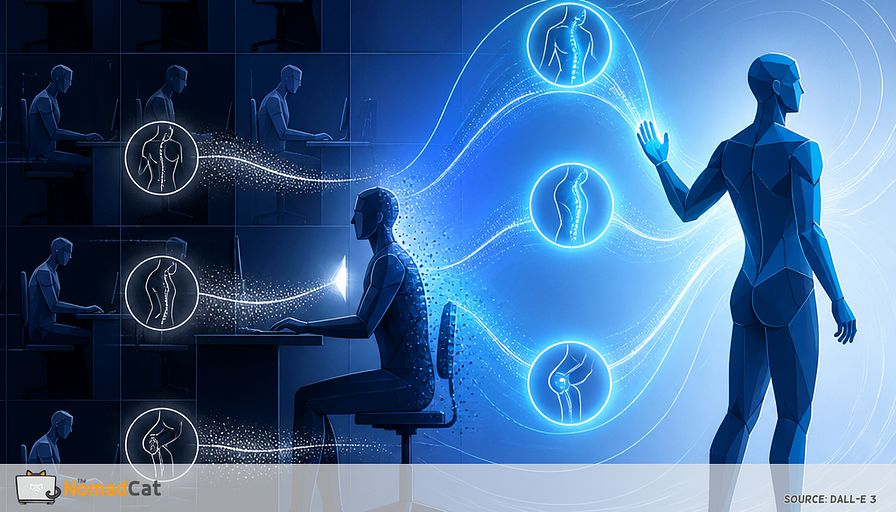
What’s going on is often boring, which is good news. Hours of desk time trains 1 narrow pattern: arms forward, small movements, low variation, a lot of “don’t move, focus.” Then after work you ask for options you didn’t practice all day—reach-behind plus rotation plus a bit of load.
Research in computer-heavy desk work generally points to the same theme: low movement variety and sustained, low-level muscle activity are linked with more neck/shoulder complaints (e.g., Szeto, Straker, O’Sullivan). The plain takeaway: it’s often not “damage,” it’s repetition without transitions.
This isn’t a diagnosis—it’s a systems read: if the input stays the same all day, the output gets predictable (and sometimes annoying).
A boring 20-second self check
Side to side reach without turning it into a program
Most people miss 1 detail: the ribcage.
- Stand tall enough that you’re not slumped. No photoshoot posture.
- Reach 1 thumb toward the back pocket area and stop at the first mild block or weirdness. No forcing.
- Do the other side and compare what shows up first after a mouse-heavy day.
The goal is not to “win range.” It is to notice asymmetry and how the movement happens.
If you want it more real-world, name your task like “seatbelt reach” or “tuck in shirt.” That’s similar to how the PSFS keeps things tied to your actual activity (Stratford et al.). Also, hand-behind-back checks have caveats because trunk and shoulder blade motion can change the result a lot. Treat it as a pattern, not proof.
The ribcage question
When you reach toward the back pocket, does your torso rotate a little, or does it stay frozen while the shoulder does everything?
A slouched or stuck torso position can change shoulder blade motion and reduce comfortable range. It can make the reach feel more pinchy and more “work” even if nothing is torn (Kebaetse, McClure, Pratt 1999; Finley and Lee 2003).
Stop rules that keep this non dramatic
Stop if you get
- Sharp pain
- Strong apprehension (“it feels like it will slip”)
- Tingling, numbness, or sudden weakness going down the arm
If any stop sign shows up, stop and get assessed if needed. No hero mode.
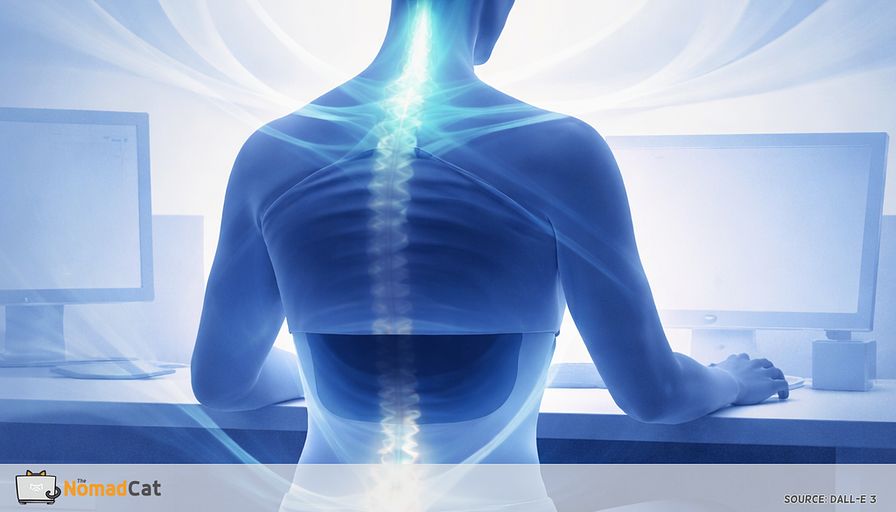
When arms stay forward, the ribcage goes offline
The desk pattern is low variability, not bad posture
Arms in front, eyes forward is the default UI of modern work. Keyboard, mouse, phone, second screen, calls. Built for precision, not rotation. So the issue is rarely 1 “bad” angle. It’s the lack of option switching.
A useful model is brittle systems. If you run 1 configuration for too long, things get sensitive. Stiffness is often the early error message. Breaks are not only about total sitting time—they’re about transitions, small sit-to-move switches that stop the same pattern repeating for hours (Healy et al. 2008). If the day has 0 transitions, the body keeps caching the same solution.
Reach-behind is a team movement
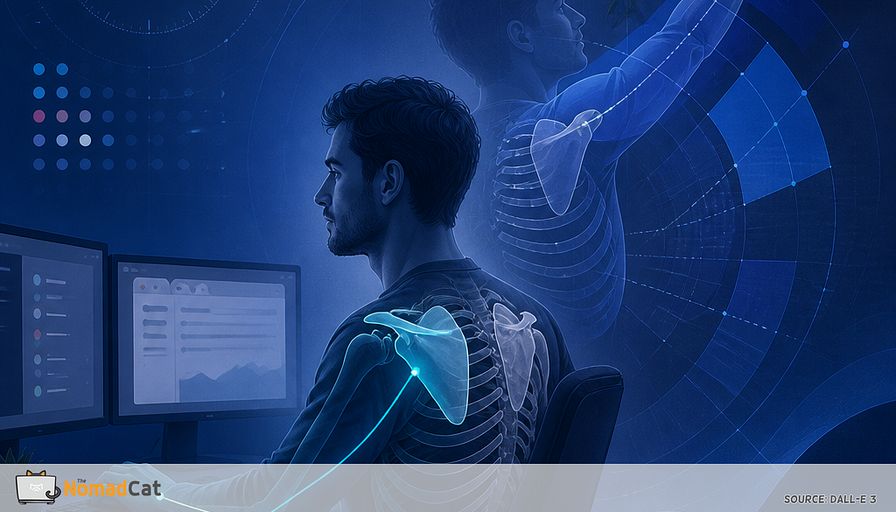
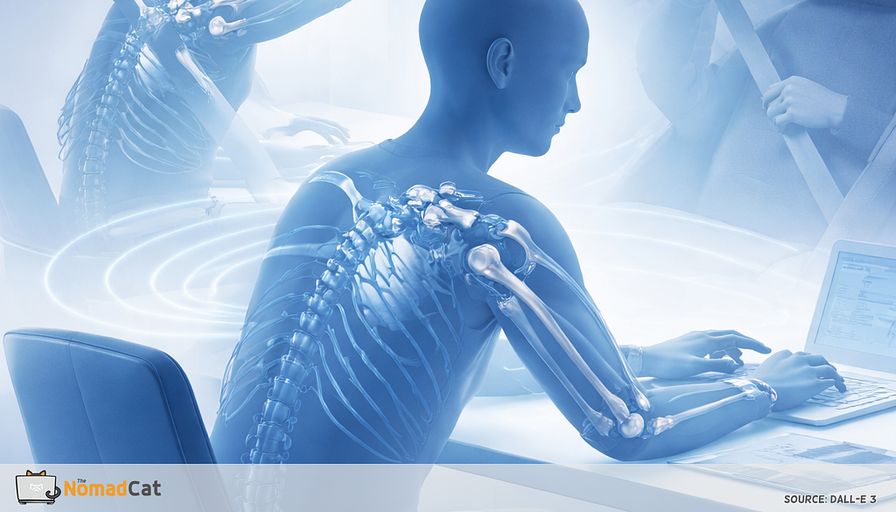
Reach-behind usually needs 3 contributors
- Ribcage rotation and a bit of extension to create space
- Shoulder blade motion sliding on the ribs
- Upper arm rotation in the socket to aim the hand
Change ribcage position and scapula motion changes too, even in lab setups (Kebaetse, McClure, Pratt 1999; Finley and Lee 2003). And in people with shoulder pain, the usual story is “less good options,” not 1 broken part (McClure, Michener, Karduna 2006).
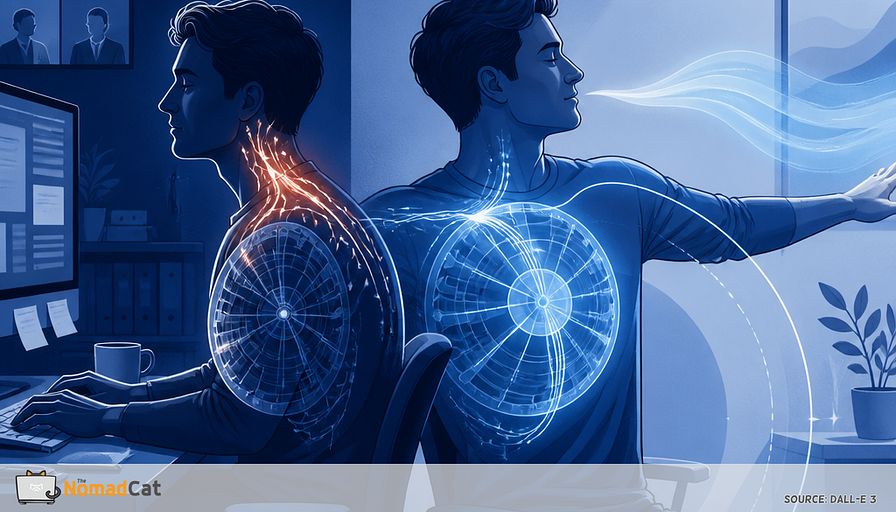
When ribs don’t rotate, people borrow motion elsewhere
- Neck twist to fake rotation
- Shrugging to buy range
- Over-arching the low back
It works for 5 seconds, then it can feel sketchy or pinchy, and the shoulder gets blamed for everything.
Microbreaks, even short ones, tend to reduce discomfort and fatigue with minimal performance cost in desk work studies (Kim, Park, Niu 2017). The idea is not repair. It’s to keep the other teammates clocked in before 18:30.
Early log files before pain shows up
Behavior clues you can spot
- Elbows glued to the ribs, everything happens in front
- Head turns instead of the torso when looking sideways
- Shoulder creeps up toward the ear during mouse work
- Upper back feels stuck when standing up, like a hinge with dust
- Reaching behind becomes a 2-step workaround
- Craving a crack or stretch that helps for 20 seconds, then nothing
I’m not in pain. But I know the early signal: upper-back tightness that builds quietly until it forces me to move—especially during remote late-night work (Lisbon hours, often past midnight) when I realize I’ve been “still” for way too long.
That’s useful feedback. It lets you change the inputs before pain becomes the only notification channel.
Name the 1 task that matters
Behind-the-back tasks complain early because they combine rotation, scapula motion, and awkward angles. Borrow the PSFS logic and track 1 real task you care about (Stratford et al.). DASH and SPADI item lists also use normal-human tasks like putting on a coat (Beaton et al.; Roach et al.).
Pick 1
- Seatbelt reach
- Back pocket
- Put on a coat
- Tuck in shirt
- Wash your back
Track only 1, otherwise the signal gets noisy and it turns into stretching homework.
2 micro inputs that keep the back pocket option online
Micro move A: ribs-first mini turn
Sit like you already are. Feet grounded.
- Let the chair and torso turn together about 5 to 15 degrees
- Sternum turns first
- Head follows last, like a lazy camera pan
- Add 1 slow exhale while you turn, then come back to center
It should look boring in a meeting. That’s the feature.
The exhale is just a state change, not a session. Practically, you’re checking if your ribs can rotate without your neck jumping in and without your low back doing the whole job. Frequency beats intensity.
Micro move B: scapula slide, then gentle back-pocket reach
No forcing range. No pinch hunting.
- Arm hangs heavy by your side
- Slide the shoulder blade down and slightly back a few millimeters (not a big squeeze)
- Lightly aim the thumb toward the back pocket and stop early
Do this
- Keep the neck quiet
- Keep the ribs “available” (a tiny torso turn is fine)
Not this
- Shrug up to earn fake range
- Arch the low back to buy distance
Scapular motion matters because painful shoulder patterns often show altered scapular movement—more “limited options” than “one part is broken” (McClure, Michener, Karduna 2006).
Make it small. 2 reps each side. Total time 10 to 20 seconds.
What to look for
- Less neck participation
- Less “front pinch” sensation
- More smooth slide, less grind
If pocket reach is provocative, skip it for now and keep the ribs-first turns plus gentle scapula slides.
Boundary triggers that survive real workdays
Event cues beat timers
Timers look clean on paper, then they fire mid sentence, mid call, mid incident review. After 3 days, they become background noise.
Events are already happening and cost you 0 monitoring. The simplest version: pick 1 trigger and attach 1 micro-move to it for two weeks. “If X happens, do Y.” (Implementation intentions are a real thing, but you don’t need the whole bibliography to use the idea—Gollwitzer 1999.)
Possible triggers
- When a video call ends
- When a build finishes
- When you click send on an email or Slack
- When you stand up to pee or refill water
- When you plug in the laptop charger
Example rule: after the build finishes, do 1 ribs-first mini turn each way. Done.
Define success so you don’t measure the wrong thing.
- Test your 1 chosen reach task only every 2 to 3 days, same time, no warm-up theatrics
- If you track anything, track cue compliance, not range
Example: did the “after call ends” micro-move happen 4 times today—yes or no.
Guardrails
Do not force the behind-the-back position
No long holds into sharp pain. This is a reminder drill, not a mobility test.
When it’s already cranky, harder stretching usually just makes it crankier (Kelley et al. 2013). And if you get that “it might slip” feeling, forcing range is not the play (Timmons et al. 2017).
Red flags that deserve real evaluation
- Sudden weakness or big strength drop
- Progressive numbness or tingling down the arm
- Repeated instability episodes or strong apprehension
- Severe night pain that is new or escalating fast
- Visible swelling, redness, or heat
- Trauma followed by clear loss of function
If none of that is present, treat this like a configuration issue, not a personal failure. Long focused desk bouts bias the system toward stillness and sustained low-level activation (Ariëns et al.; Szeto, Straker, O’Sullivan). What often helps is more transitions, not a perfect chair (Healy et al. 2008).
Small inputs keep ribs and scapula online so life at 18:30 stops feeling like you just got 10 years older.
That 18:30 seatbelt or back pocket fail is not your shoulder “getting old.” It is usually a system that spent 10 hours in 1 narrow configuration, then got asked for a feature it didn’t run all day.
Keep it simple: notice the pattern with the 20-second check, feed the system two tiny inputs during the day, and stop forcing the end-range stuff. More options during the workday tends to mean fewer surprises after it.