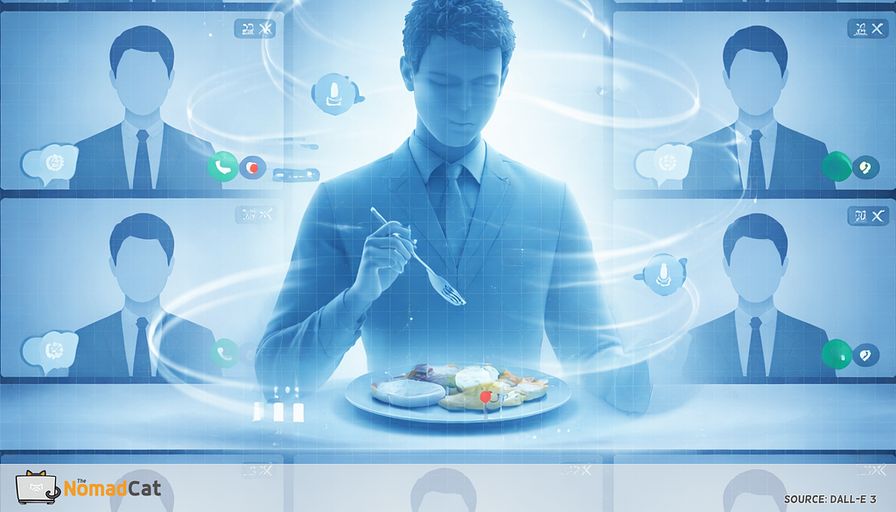
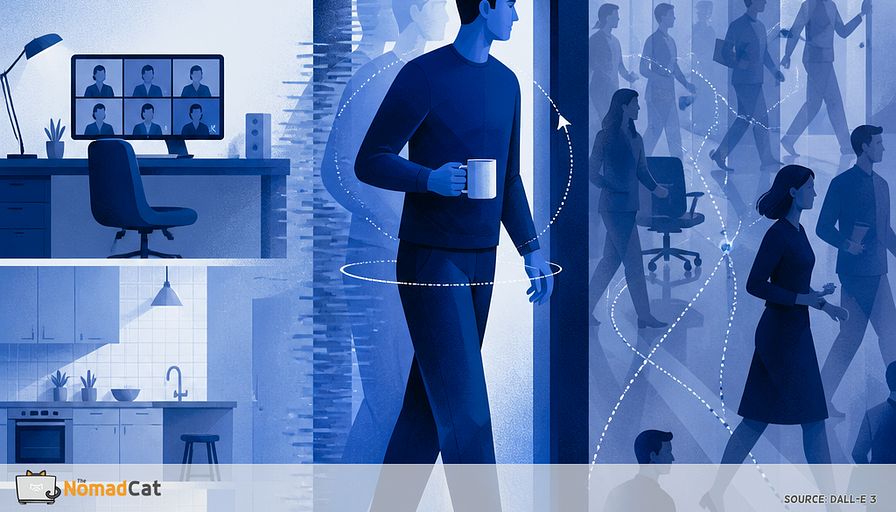
The 30 second screen to hallway reset for floaty first steps after desk days
The article explains the common “hallway lag” that can hit after a long screen-heavy workday—when, after hours of calendar-Tetris meetings, dual-monitor tabs, and even lunch at the keyboard, you stand up around 18:30 and the first 10–60 seconds of walking feel oddly floaty or cautious (shorter steps, stiff head turns, corners and doorframes feeling misjudged) even though nothing hurts. It argues this is usually not an injury but a brief mode-switch delay: desk work biases your system toward near vision, narrowed attention, low blink rate and incomplete blinks that make the visual feed temporarily less stable, possible transient “nearwork” blur at distance, and a very still head; then walking suddenly demands distance scanning, peripheral mapping, and head stabilization, forcing the brain to “reweight” sensory inputs. Remote work can make the effect louder by removing the small incidental walks that used to smooth these transitions. To make the glitch observable and manageable without adding another nagging timer app, it suggests watching for early “breadcrumbs” (gritty eyes, feeling stuck zoomed-in, stiff neck/shoulder bracing, minor navigation errors) and using a tiny reset at the seam: a 30–45 second “horizon reboot” of a few far-focus looks, a brief wide-angle peripheral awareness breath, small pain-free head nods/turns, then 10 slower environment-scanning steps—or a 10-second degraded version tied to event triggers like leaving a meeting or hitting Send—plus simple tracking (yes/no or seconds until normal). It also sets clear guardrails: if symptoms persist, worsen, aren’t tightly tied to the sit-to-walk transition, or come with red flags (fainting, one-sided weakness, speech trouble, double vision, severe headache/neck pain, chest symptoms, persistent spinning vertigo, post-trauma signs), seek proper medical assessment.
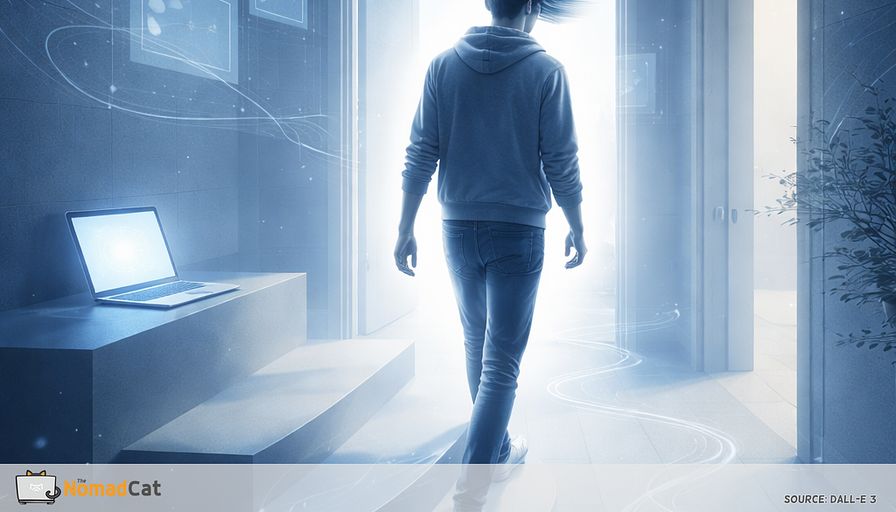
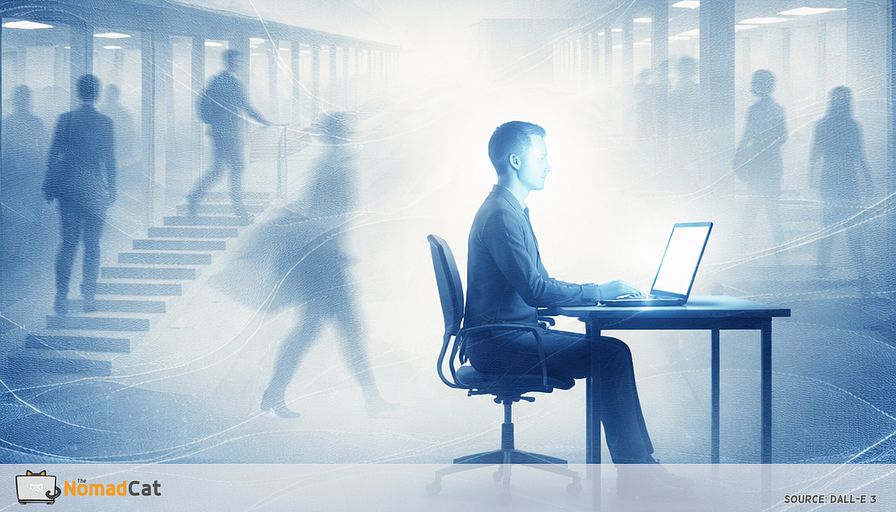
By 18:30 the day is already in your shoulders. Calendar Tetris. Tabs stacked 2 monitors wide. Lunch that happened next to the keyboard because it was “just 1 more thing”. Then you stand up to go to the kitchen and for 10 to 60 seconds walking feels slightly off. Not pain. Just a weird first minute. Shorter steps. A bit floaty. Corners feel closer than they should.
This article is for that exact glitch.
The point is not to turn it into drama, or to sell you a new app that will nag you every 30 minutes. It is to explain why this happens after long screen time, why remote work tends to make it louder, and what to do about it with small inputs that fit inside a rude schedule.
Here is what you will get, without the perfume
- A simple model for what is happening in the first minute after you stand up, more mode switch than injury
- The common signals that show up before the clumsy steps, so it becomes observable instead of vague
- A quick 30 to 45 second “screen mode to hallway mode” sequence you can do in office clothes
- A 10-second version for days when even breathing feels scheduled
- Guardrails for when it is not the normal transition lag and should be checked properly
If your body feels like it needs a reboot after meetings, you are not broken. You are just switching systems with no loading screen.
The hallway lag after a screen day
A normal day and then the weird first steps
The key detail is the timing: it appears right after standing and fades fast.
The pattern is common in desk-heavy days. The early signal is often not pain. It is more like tight upper back, tight shoulders, stiff neck, or that low-level “my body is bracing” feeling. When it shows up right after standing and fades quickly, it looks less like an injury and more like a transition glitch.
What “weird” usually means
It tends to show up as small, specific sensations like these
- a light unsteadiness, like the floor is slightly less predictable than 1 minute ago
- shorter steps at first, as if the legs are waiting for permission
- head turns that feel stiff, so the torso rotates instead
- eyes that still feel stuck at near distance
- a moment of overcareful steering around doorframes and corners
Putting labels on it helps. It turns vague worry into something you can notice early, without spiraling.
Not an injury, more a mode switch delay
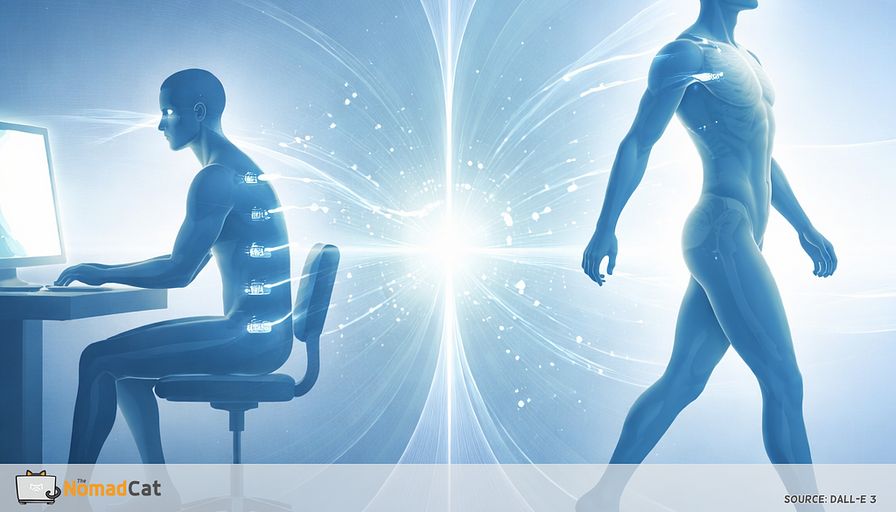
A useful way to think about it is a state mismatch. Desk work tunes the system for a fixed near target, narrow visual field, and minimal head motion. Walking asks for the opposite right away. You need distance scanning, peripheral mapping, and head stabilization while the world moves.
Balance control blends vision, inner-ear signals, and body position, and it can shift the weighting when context changes (Peterka, 2002). That switch has fast and slower parts (Peterka & Loughlin, 2004). So a brief lag is not that surprising. In plain terms: the first few steps can be cautious while your system decides which inputs to trust.
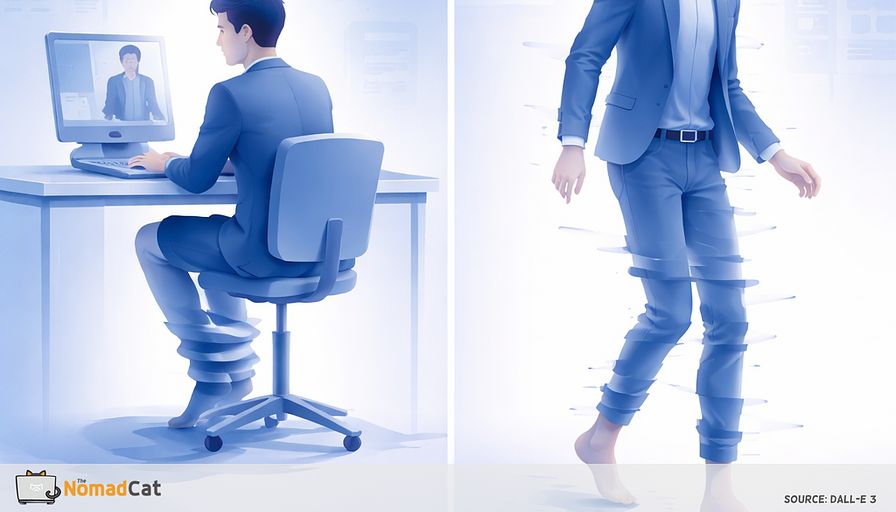
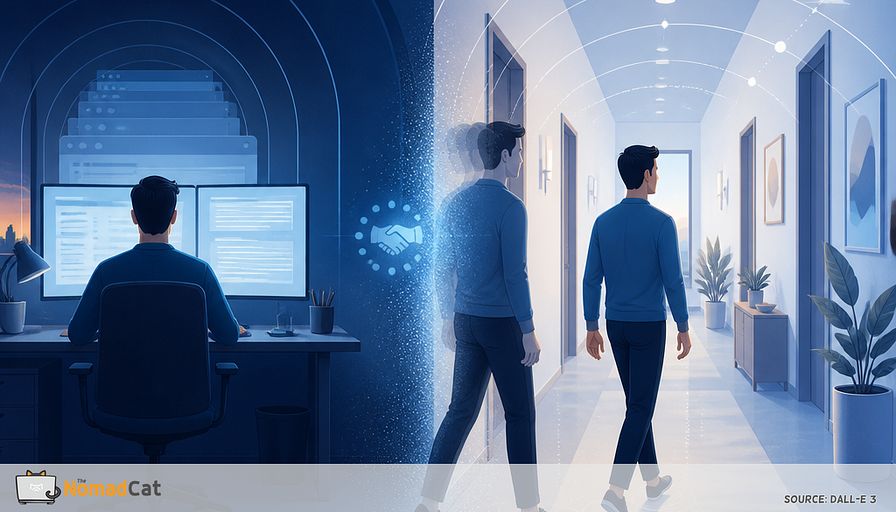
Think of it like a small handshake delay between screen mode and navigation mode. Same hardware, different settings.
One caution, just to be clear. Some dizziness patterns matter clinically, like PPPD which is defined by persistent, context-dependent symptoms (Staab et al., 2017). Most people reading this are not in that category, especially when it is brief and tightly tied to standing up after screen time.
The timing trap
Why it shows up after you stop
During deep focus, internal signals get pushed to the background, and attention narrows with sustained task load (Warm, Parasuraman & Matthews, 2008). Then the meeting ends, the tab closes, and attention releases. You stand up, start walking, and only then you notice the mismatch while the brain is still shifting inputs for the new context (Peterka, 2002).
So it can feel like “my legs are failing”, when it is more like “the system is still switching modes”.
Why remote work makes it louder
Remote work quietly deletes the little walks that used to smooth things out. Doorway transitions, distance looks, the pointless trip for coffee.
I did years of this from bad chairs and worse desks—Beijing, then Berlin, and now Lisbon—so I recognize the exact moment the shoulders creep up.
Reviews on workplace sitting show how hard it is to keep movement in knowledge work without designing it in, and what helps is usually multicomponent, not just “stand more” (Shrestha et al., 2018; Chu et al., 2016). So the screen-to-hallway switch becomes more abrupt because you get fewer recalibration reps.
It is like installing updates only once a month and then acting surprised it takes 30 seconds to boot.
A simple model for the first minute
Near focus makes the visual feed noisy
After sustained near focus, distance can look temporarily “off”. One reason is very basic.
Blink rate during computer work can drop sharply, and incomplete blinks are more common, which can make vision briefly less stable (Patel et al., 1991; Rosenfield, 2011). There is also nearwork-induced transient myopia: after sustained near viewing, distance refraction can shift temporarily, so distance can literally look wrong for tens of seconds to minutes in some people (Ciuffreda & Wallis, 1998; Vasudevan & Ciuffreda, 2008).
So what: if the visual stream is briefly unreliable right when the brain wants crisp distance and peripheral info for walking, cautious steps are a sensible default.
Head stillness becomes the default
Walking asks for controlled head motion and stabilization while the world moves. At the desk, eyes move a lot and the head moves very little. Efficient, but repetitive.
Normal gait includes continuous head and body motion, and the visual system keeps the world stable using vestibular input plus active control (Pozzo, Berthoz & Lefort, 1990). Coordination also changes with speed (Hirasaki et al., 1999). After hours of underuse, the first minute can feel noisy, like the stabilizers are warming back up. Not like a structural neck problem.
A common short-term workaround is torso turning. If head turns feel destabilizing, rotating the whole torso keeps the visual scene steadier. It also can add an upper-back bracing bill by the end of the day.
So what: a tiny dose of head motion before you walk can make the first hallway steps feel less “careful”.
Sensory reweighting ties it together
Desk work pushes the stack toward near-vision dominance. When you stand, the weighting needs to change. It can be fast, but it is still a switch with different time constants (Peterka, 2002; Peterka & Loughlin, 2004).
Keep the target modest. The goal is not perfect posture or big mobility gains. The goal is shorter time-to-normal after context changes.
So what: the little pre-walk sequence below is just a faster handover between screen settings and walking settings.
A quick self check before you stand
Visual logs
A few minutes before the clumsy steps, the eyes often leave breadcrumbs
- gritty or hot eyes, like the contact lens that does not exist
- squinting at text that was fine 10 minutes ago
- feeling “stuck zoomed in” when you glance to the far wall
- distance looking oddly sharp or oddly far for a few seconds
If you notice this, it is a good moment for a small reset before walking.
If a metric helps, keep it boring. A daily yes/no is enough
- did distance feel weird when leaving the desk
Navigation logs
If the head stays strangely still for hours, later walking can feel stiff or delayed. You may also notice small “navigation errors”
- brushing a shoulder on doorframes when the gap was fine
- misjudging corners, like peripheral space got narrower
- being weirdly cautious on the first stairs
Eyewear can matter too. If it clusters around one pair of glasses, treat that as a real clue.
The 30 to 45 second horizon reboot
4 steps you can do in office clothes
1) Far focus x3. Pick a point far away across the room or outside. Look at it for about 2 seconds, then back to neutral. Repeat 3 times. After near work, distance can stay briefly “wrong” while the focusing system unwinds (Ciuffreda & Wallis, 1998).
2) Wide angle restore. Soften the gaze and notice the edges of the room for 2 slow breaths. High workload narrows attention and peripheral processing (Warm, Parasuraman & Matthews, 2008).
3) Head nod plus micro turns. Do 2 tiny “yes” nods, then 2 gentle left and right turns. Small range only, pain-free. It is just a reminder that head motion plus gaze stability is part of normal walking control (Pozzo, Berthoz & Lefort, 1990). If anything feels sharp, oddly dizzy, or neurologic, stop.
4) Stand and take 10 environment steps. Stand up and walk 10 slower steps while scanning the environment and letting the head move naturally. The point is to blend calibration into the actual task so the brain can shift inputs in context (Peterka, 2002).
Degraded mode for rude calendars
If 45 seconds feels like a luxury, use the 10-second version tied to standing
- 1 far look
- 1 soft wide-gaze breath
- 1 gentle head turn each way
Partial still counts. This is mainly a state-change cue, not a perfect sequence.
Event-based triggers usually survive workload spikes better than timers. Timers sound clean, then they become another app yelling. Useful seams include
- leave meeting
- hit Send
- kettle on
- upload waiting
- bathroom break
You will still forget half the time. That’s normal. The seam is there anyway.
Keep measurement boring. For 5 days, note either
- seconds until walking feels normal
- yes/no first minute felt cautious
If you like data but not homework, this is the level I keep too—even with a Polar H10 and a cheap Decathlon watch around, the log stays dumb on purpose.
Guardrails
This article is about a brief transition glitch that improves quickly once you are up and moving. If symptoms are persistent, getting worse, or not clearly tied to desk-to-walking transitions, it is a different category and worth proper assessment.
Get medical advice if you have any of these
- fainting or near-fainting
- new weakness, numbness, or one-sided clumsiness
- trouble speaking or understanding speech
- new vision changes like double vision or loss of vision
- sudden severe headache or sudden severe neck pain unlike usual
- chest pain, shortness of breath, or heart racing with dizziness
- spinning vertigo with vomiting that does not settle quickly
- symptoms after neck trauma, or anything that feels neurologic
If gentle head turning triggers sharp neck pain, arm symptoms that radiate, facial numbness, slurred speech, visual symptoms, or anything that persists when you return to neutral, stop.
What success looks like
If the model is a mode switch delay, success is boring. Fewer glitches while the system shifts inputs.
Useful signals
- fewer shoulder grazes on doorframes
- less torso-only turning
- shorter time until walking feels normal after standing
- less end-of-day neck clamp that is often just a stability strategy
Screen work narrows the inputs. Walking needs wide inputs, fast. The win is a faster switch at the seam, not a new plan with prerequisites. Keep the experiment tiny so it survives Tuesday.
That first 10 to 60 seconds after you stand up is often not your body “failing”. It is a mode switch with no loading screen. Hours of near focus, low blink rate, narrow visual field, and a very still head can make the first hallway steps feel floaty or cautious, especially in remote work where the small incidental walks got deleted.
The fix is not a new app or a perfect plan. It is small inputs placed at the seam. A 30 to 45 second sequence before you walk, or even the 10-second version, can help the system re-map distance, widen the view, and let head motion feel normal again. Keep the tracking boring, just yes or no, or seconds to normal.
If it does not fade fast, or the red-flag stuff shows up, get it checked.