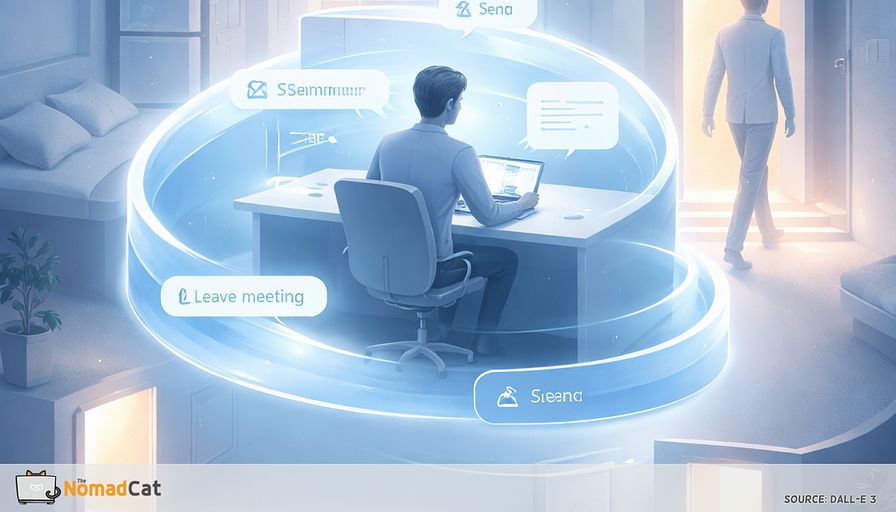
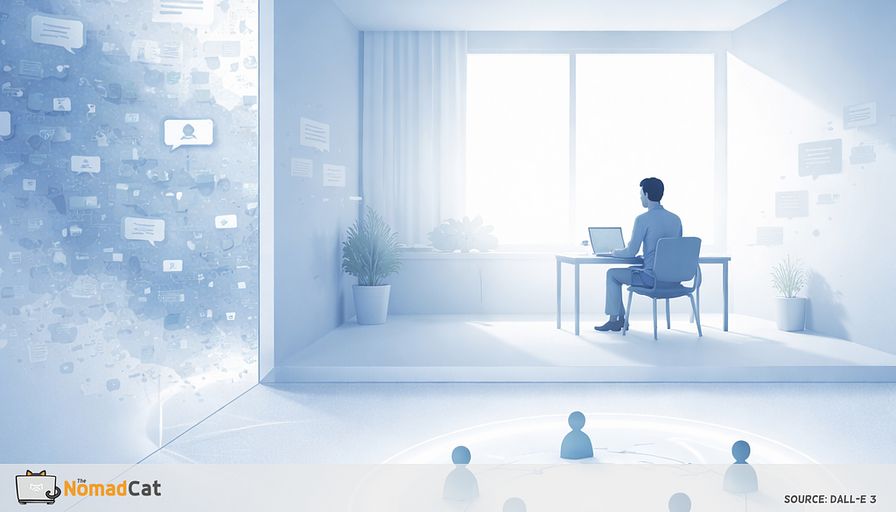
When 10 Hours in the Same Chair Makes Everything Feel Sticky
The article explains why remote work can feel oddly “sticky” and mentally heavy even when the workload is manageable: spending 10 hours in the same chair removes the small transitions and movement that used to create natural boundaries between tasks, so everything—from dense reading to Slack replies to high-stakes decisions on video—bleeds together and builds friction through attention residue, resumption lag, and missing event boundaries, often showing up as rereading the same paragraph, tab-hopping, rewriting messages excessively, or noticing a quiet physical “tax” like held breath, a clenched jaw, and shoulders creeping upward by 18:00. It introduces the practical idea of “ambulatory thinking” (some thoughts work better when your body changes state) and argues that movement is most useful for framing, generating options, and clarifying the real question, while sitting is better for precision tasks like editing wording or checking numbers because dual-task costs can increase errors. To make this workable in real workdays and “meeting-proof,” it offers small, reputationally safe movement containers—like a 90-second pacing draft spoken out loud on mute, a brief audio scratchpad recorded while walking to a door or window, an “uncertainty cue” where you stand only when you don’t know the next sentence, or a two-location solve that uses a short doorway crossing as a context reset—paired with a simple 7-day experiment that tracks one boring daily metric (e.g., a 0–10 sticky-thinking rating at 18:00) to treat the problem like a system input and logging issue rather than a character flaw.
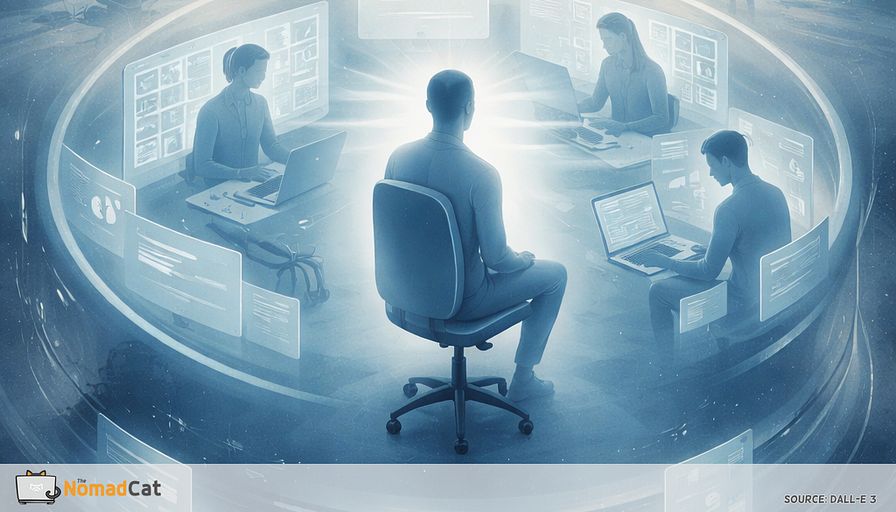
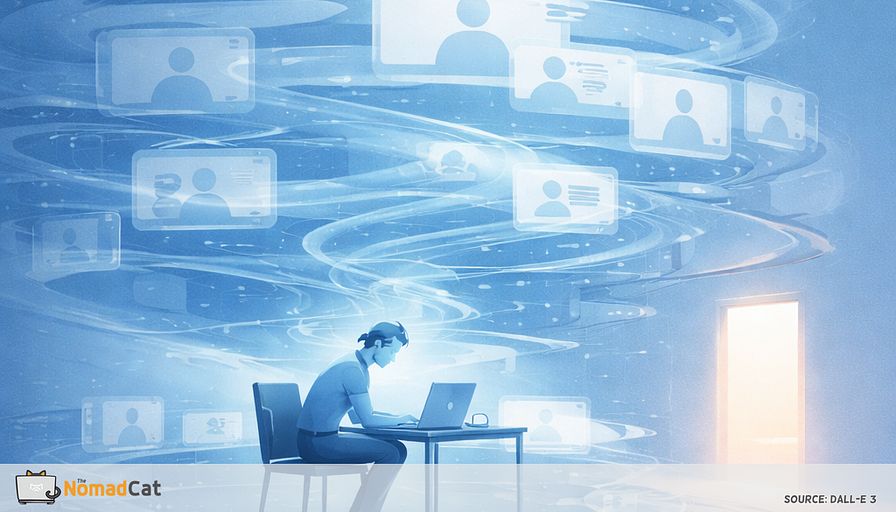
Laptop open. Same chair. Same patch of screen for 10 hours.
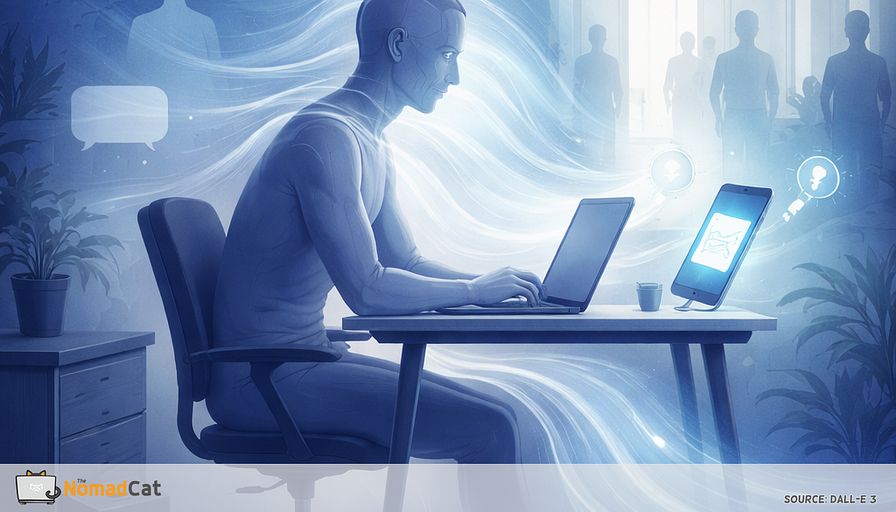
You plan the week, skim a dense doc, answer 40 Slack pings, then try to write something “important” while staying polite on a video call. Somewhere between the 3rd meeting and the 2nd rewrite, you notice the small stuff. Breath held. Jaw doing that clench. Shoulders slowly rising like they also want a calendar invite.
By 18:00 it’s not exactly pain. It’s more like a quiet tax. For me it shows up first as that upper-back tightness that builds quietly until I finally stand up.
This article is here for that specific kind of day. Not the ergonomic checklist version. The “why does everything feel sticky when my workload is technically fine” version. The idea is simple. Remote work deletes a lot of tiny transitions and movement you used to get for free, and that missing piece can make thinking feel harder than it needs to.
You’ll get a practical way to name what’s happening, plus a few small experiments that fit inside real workdays (no gym fantasy, no perfect schedule, no polished wellness vibe).
What we’ll cover, in plain terms
- Why the same chair becomes a single container for every mode of thinking, and why that makes tasks bleed into each other
- A useful label for the missing link, “ambulatory thinking” (my shorthand, not a textbook term), and how it connects to embodied cognition without turning this into a neuroscience TED talk
- The friction mechanisms behind the scenes, like attention residue, resumption lag, and missing event boundaries
- When movement helps and when it doesn’t, because editing numbers while pacing is a good way to create new problems
- Low-friction “meeting-proof” movement containers that still look like work, plus a 7-day test with 1 boring metric
If any of these sound familiar, you’re the target reader
- rereading the same paragraph 5 times and still not believing it
- tab hopping like it’s research, but it’s mostly avoidance
- rewriting a message until it becomes a personality test
- feeling your body brace right at the decision point
No heroics promised. Just a cleaner system. Small inputs, better logs, less grinding in the same chair.
When every kind of thinking happens in the same chair
When all modes of work happen in one container, transitions disappear.
This pattern is not mainly about ergonomics. It’s about missing transitions and missing movement. Remote work chips away at small boundaries that used to separate tasks, and video calls can reduce mobility because you’re “stuck in frame” (Allen, Golden & Shockley, 2015; Bailenson, 2021).
A simple label for the missing pairing
A useful label is ambulatory thinking. Not a formal research term, just shorthand for “some thoughts work better when the body changes state.” It sits near embodied cognition, where action and perception are part of thinking, not just outputs (Wilson, 2002; Barsalou, 2008).
In normal life, people already do this without naming it.
- pacing while trying to find an outline
- walking during a call when the topic is fuzzy
- standing up to decide between 2 options that look identical on a screen
Once you notice the missing pairing, the next question is why sitting still makes uncertainty feel sticky even when the workload is… fine.
Why the same context makes work feel heavier than it “should”
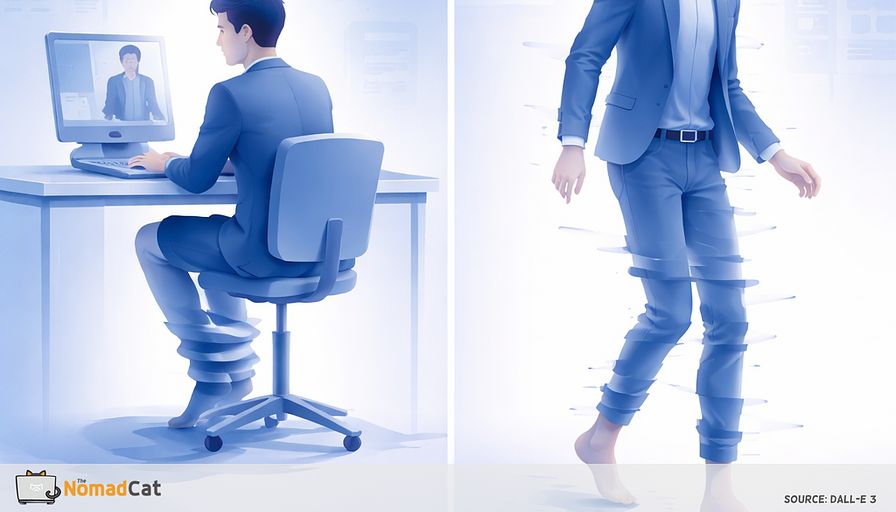
When the container never changes, you don’t get many clean “chapter breaks.” Without those breaks, the previous task keeps bleeding into the next, and the brain does extra work just to figure out what mode you’re in. That’s the basic mechanism.
Concrete version: you leave a tense call, open your draft, and your eyes keep sliding over the same paragraph. It’s not that you forgot how to read. It’s that part of you is still finishing the call.
If you want the names: this is close to event boundaries and attention residue (Zacks et al., 2007; Leroy, 2009). The rest is just the same story from different angles.
It often shows up as boring symptoms, not big failure.
- rereading the same paragraph because it didn’t “land”
- tab hopping like a human search engine
- decision avoidance disguised as “one more pass”
Walking helps with options, not magic
Walking is easiest to defend as a way to generate more options, especially for divergent thinking (Oppezzo & Schwartz, 2014). More angles for an outline. More subject lines. More ways to respond to a tricky message without turning it into a 12-message thread.
But no, walking is not better for everything.
Movement helps framing but can hurt precision
Movement can help framing and option generation. It can be risky for error-sensitive work. Dual-task research is pretty clear that movement and cognition can compete for shared resources, so performance can drop on one or both tasks (Woollacott & Shumway-Cook, 2002; Yogev-Seligmann et al., 2008). If editing a dense paragraph or checking numbers while pacing makes you sloppier, that’s not a moral weakness. It’s the normal tradeoff.
Why “desk thinking” looks like bracing
Under mental load, your body can “gear up” even if you’re not doing anything athletic: shoulders inch up, breathing gets shallow, jaw sets. In a normal remote day, it’s often 3 unglamorous signals. If you notice any of the 3, that’s your cue to do a 90-second stand before the next decision. (Szeto, Straker & O’Sullivan, 2005; 2009; Grassmann et al., 2016; Hidaka et al., 1999.)
- shoulders creeping up toward the ears
- jaw clamped “for no reason”
- breathing that gets shallow or oddly paused right when the decision is hardest
Not diagnosis. Just workload showing up in the hardware.
How to tell if you’re missing the movement link
The “ambulatory thinking gap” tends to look like this.
- hard to start, even on tasks you know well
- hard to finish, even when the draft is basically done
- rereading the same paragraph until it feels personal
- reopening the same doc “just to check 1 thing”
- Slack doom-scroll disguised as staying informed
- rewriting a message 5 times to avoid 1 decision
Sticky starts and sticky endings are often a context problem, not a motivation problem.
Your body often reports it earlier anyway.
- breath held at the decision point, exhale when you hit send (Grassmann et al., 2016)
- jaw set while writing
- shoulders rising during estimating or arguing, especially with mouse-heavy work (Szeto et al., 2005; 2009)
You don’t need a big tracking project to test this. You need 1 boring signal.
A minimal option is 1 number per day at 18:00. A 0–10 “sticky thinking” rating works and is close to single-item mental effort measures used in research (Paas, 1992). Yes, NASA-TLX exists (Hart & Staveland, 1988). Also yes, you probably do not need it.
Small warning. If logging makes you rigid or self-judgy, drop it. Feedback can backfire when it pulls attention into evaluation mode (Kluger & DeNisi, 1996).
The replacement principle
Move only when uncertainty is the real cost.
Planning sounds clean on paper. In the chair it can become moving bullets around forever, tweaking estimates, “almost” deciding. Attention residue makes it feel unfinished even after 30 edits (Leroy, 2009).
Writing from scratch has a first sentence tax. A short walk or stand is often best right there, to find shape and options. Not to polish wording later (Oppezzo & Schwartz, 2014).
And conflict or relationship calls. Stakes plus evaluation pressure can change physiology in predictable ways (Kirschbaum et al., 1993). A bit of movement can reduce the frozen, braced feeling enough to access calmer language. No promises beyond that.
The stuck loop usually looks like
- rereading the same paragraph
- reopening the same doc
- tab cycling with no new intent
- refreshing Slack “just to check”
A short context shift acts like an interrupt. Event boundaries help update the mental model (Zacks et al., 2007). Even walking through a doorway can sometimes break fixation faster than more willpower in the same chair (Radvansky, Krawietz & Tamplin, 2011).
A rule that survives real work
- Walk or stand for framing, options, and “what is the real question” work (Oppezzo & Schwartz, 2014)
- Sit for exact wording, numbers, edits, and anything error-sensitive, because dual-task costs are real (Woollacott & Shumway-Cook, 2002)
If it feels worse while moving, that’s also data.
1) 3 minutes pacing to outline in rough bullets
2) sit to write the first pass
3) stand again only if you hit the same loop twice
This kind of if-then pairing is close to implementation intentions, less motivation required (Gollwitzer & Sheeran, 2006).
Meeting-proof movement containers that look like work
4 low-friction containers
90-second pacing draft: stand, pace, say the first 3 sentences out loud, then sit and type them. Whisper-level is fine, or do it on mute. Walking tends to help ideation, and speaking is a form of offloading (Oppezzo & Schwartz, 2014; Risko & Gilbert, 2016).
Audio scratchpad loop: record 45–120 seconds while walking to a door or window and back. Review it once the same day, otherwise it becomes a voice graveyard. External recording can reduce internal encoding if you never revisit it (Henkel, 2014).
Uncertainty cue instead of timers: if you don’t know the next sentence or decision, you stand until you do. Then sit to polish. Boring, but it works because it’s tied to the actual failure mode.
Two-location solve: same task, 2 spots within 10–20 steps. The switch is the trigger. Thresholds can force a context update (Radvansky et al., 2011).
Make it reputationally safe
People avoid movement because it can start little stories on camera. I learned this the hard way working remote on bad chairs and worse desks: the smallest “camera-off for 2 minutes” rule beats any perfect setup.
The safest containers are solo minutes before and after calls, exploratory 1:1s, and any meeting where video isn’t doing real work. Bailenson (2021) notes reduced mobility as a fatigue mechanism, so “audio-first” isn’t laziness, it’s removing one constraint.
A brief reason plus a time bound usually lowers friction.
- “Going audio for 2 minutes because I’m outlining.”
- “Camera off briefly because I’m pacing to think.”
- “Back on video after I have 2 options.”
A tiny home setup that makes it automatic
A loop only works if ideas reliably land somewhere. Otherwise it’s just you doing laps for no reason.
One simple pattern
- step out of the desk zone
- cross a doorframe (yes it counts)
- look far out a window for 10 seconds
- come back and sit
Thresholds are cheap context boundaries (Radvansky et al., 2011). The far gaze break lines up, at least in a simple way, with reducing digital eye strain load (Rosenfield, 2016).
Add 1 physical handle. One place, always.
- 1 notebook page only for “walking thoughts”
- or 1 sticky note on the monitor base for decision bullets
Offloading helps when retrieval is easy (Risko & Gilbert, 2016).
If upright movement triggers dizziness, pain, or fast symptom worsening, stop and switch to seated. No heroics.
A 7-day test for less grinding
Pick 1 uncertainty task you do daily. Pick 1 movement container. Track only 1 thing, once per day. If you already track HRV or sleep, treat this like one more tiny datapoint, not a new program.
1) Task: the stuck moment (planning, first draft, hard email)
2) Container: 2 minutes standing or a short corridor loop
3) Cue: if you loop twice, then you stand up (Gollwitzer & Sheeran, 2006)
At 18:00, log 1 boring signal.
- Default: sticky thinking 0–10
- Optional: rereads count (rough) or jaw/shoulders tense yes/no
Partial wins count. If the day feels lighter, the mind exits faster, or shutdown is cleaner, that’s already useful data.
If nothing changes, it’s usually a debug issue, not a character issue.
-
Wrong phase: trying to do precision edits while moving, so dual-task costs win
-
Weak boundary: you moved, but stayed glued to the same screen context, so the model never updates
It’s just restoring a missing input, like adding logs to a system that was running blind.
If your day is 10 hours in the same chair and everything starts to feel weirdly sticky, it’s probably not a character flaw. Most days it’s not motivation you’re missing. It’s the tiny transitions you used to get for free.