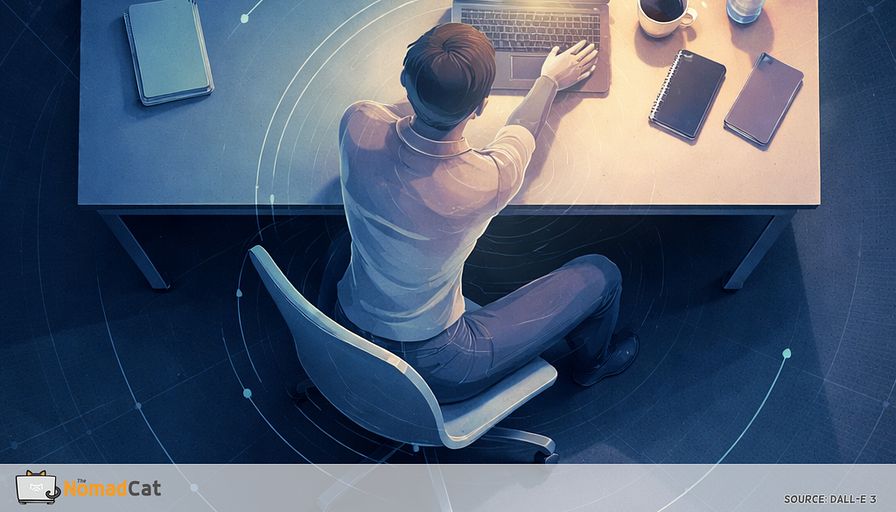
Your hands are stuck in ready mode on desk days a 12 second reset at task seams
The article explains how desk work quietly keeps your hands in a constant “armed” micro-control mode—hovering over a trackpad, making tiny scroll and cursor corrections, repeatedly resizing boxes in slides, nudging pixels in Figma, or doing endless undo/redo in spreadsheets—and how this precision loop can recruit the shoulders, neck, and even breathing into low-level bracing that doesn’t feel bad until the task ends, when the “invoice” arrives at transitions like standing up after a call, turning your head in two steps, reaching for a mug, or finally taking a long exhale after hitting Send. Drawing on research about reduced posture variety on video calls, the idea that muscles suffer when they rarely get true off-time, and the way the body stiffens upstream joints to stabilize fine hand control, the author (a longtime desk worker across Beijing, Berlin, and Lisbon who notices upper-back tightness building without obvious pain) argues the goal isn’t perfect ergonomics or posture policing but creating tiny, repeatable rest gaps that survive real workloads. The proposed solution is a deliberately boring 12‑second “unarm patch” done at task seams—fully release the mouse/phone, uncurl the hand and let it soften, re-seat the forearm so the shoulder can stop hovering, and take one slightly longer exhale—paired with a simple 7‑day check using one end-of-day rating or a single yes/no cue (like evening over-gripping), plus practical guardrails to prioritize forearm support over constant self-correction and to stop tweaking and seek evaluation if symptoms escalate (e.g., progressive weakness, spreading numbness, or other red flags).
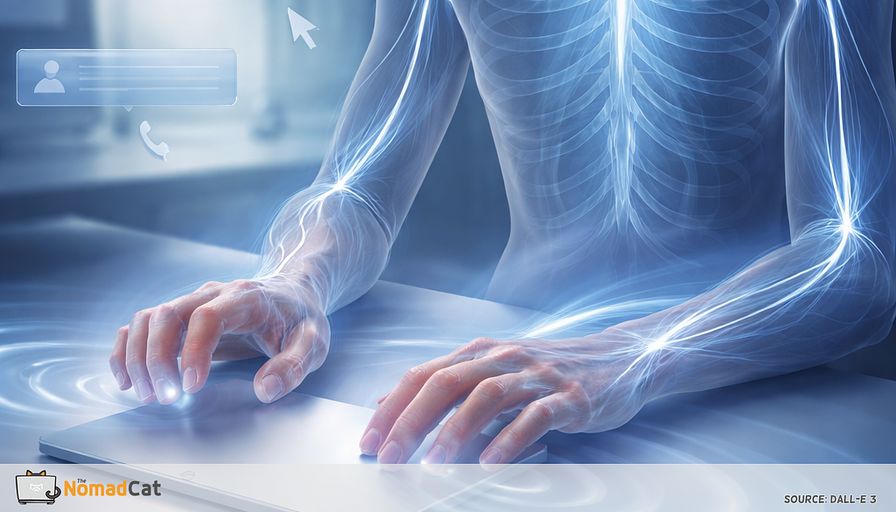
Hands at a desk are rarely truly idle. Even when the calendar says “just emails” or “quick edits”, the hands stay in this low-grade ready mode. Hovering above the trackpad. Tiny scroll corrections. Resize, undo, redo. It’s not dramatic. It’s just constant.
The annoying part is the timing. During the work block, everything can feel fine because attention is busy elsewhere. Then you stand up after a call, turn your head, reach for a mug, and the body sends the invoice all at once. Neck a bit “on”. One shoulder still hovering. Breathing finally drops after you hit send.
This article is about that hidden loop and how to interrupt it without turning your day into posture policing or a productivity side quest. It breaks down
- the desk moments that keep your hands “armed” even when you think you’re relaxed
- why tiny hand precision can pull shoulders, neck, and even breathing into the job
- the early tells that show up before anything properly hurts
- a small 12 second “unarm patch” you can use at task seams like send, leave call, close tab
- a simple 7 day check that stays boring on purpose, plus a few guardrails for when it’s time to stop tweaking and get evaluated
The aim is not perfect ergonomics. It’s fewer error logs at the end of the day, using changes small enough to survive a real workload.
Where the desk grip reflex hides
The work moments that keep your hands armed
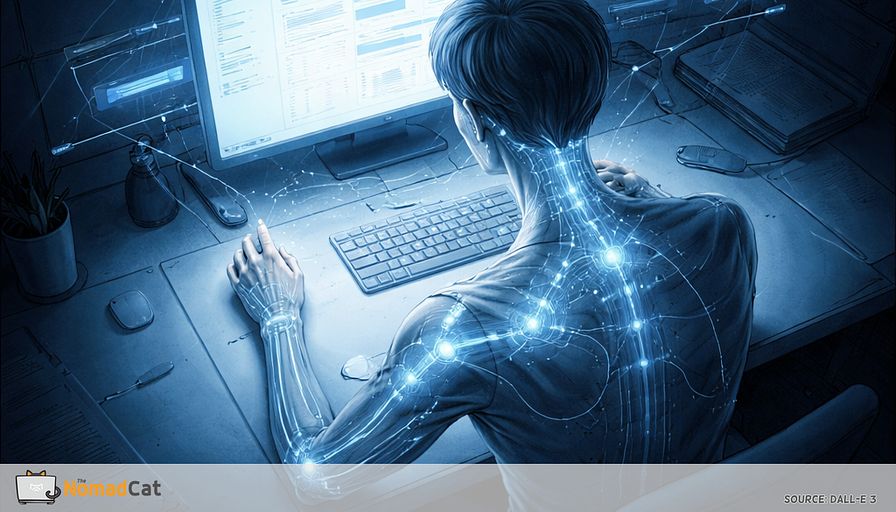
Desk hands are rarely “off duty”. Not in a dramatic way. More like a constant micro-control mode running in the background while the rest of you pretends it’s calm. A finger hovers 2 mm above the trackpad. The wheel does tiny scroll corrections because the page is never exactly where it should be.
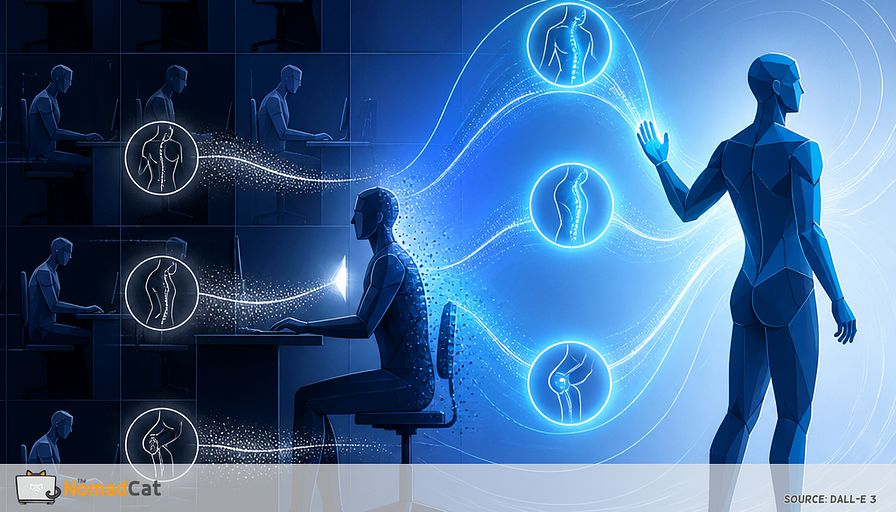
Video calls make this worse. People move less in virtual meetings and posture variety drops, with more upper-body discomfort showing up later (Davis et al., 2021). Camera-on pressure also pushes people to stay still and “look professional”, which often means hands stay ready even when the brain is half listening (Bailenson, 2021).
Once you see that “always on” baseline, it becomes easier to spot the moments that keep it running.
- Pixel nudging in Figma until it looks “clean”
- Spreadsheet auditing in Excel with filters, sort, undo, redo
- Inbox cleanup where every message becomes a mini decision and a mini click
- Slide polishing where you resize a box, then re-resize it, then slightly re-re-resize it
- Trackpad steering to hit tiny UI targets without overshooting
- Copy-paste formatting fixes that somehow take longer than writing the sentence
This is the real workload. Computer input is often “move, correct, confirm”, not “move once perfectly” (Card, Moran, and Newell, 1983). The hand stays ready because the system keeps asking for small fixes.
Cursor work is one flavor. Writing and editing does the same thing through the keyboard. High-stakes writing has its own quiet intensity. Fingers hover. Backspace gets a lot of love. A sentence appears, gets deleted, comes back slightly different, then gets rewritten again because the tone feels off. It looks physically easy, but the motor system treats it like precision work.
A plain-language model is that precision tasks tend to make the system stiffer to reduce error (Harris & Wolpert, 1998). Constant visual feedback also promotes small corrective submovements instead of one smooth action (Meyer et al., 1988). So yes, sprinter-at-the-blocks energy. While sitting. In sweatpants.
Meetings add a different trap. Hand on mouse so you can look engaged. Finger parked near mute like it’s a safety switch. Micro-taps while someone shares a screen, just to keep the cursor awake and yourself awake too. The result is a lot of stillness, which sounds harmless until you notice the bill arrives later.
When your body files the complaint later
Your error logs show up after the sprint
It’s common to feel fine during a deep work block. Attention is limited CPU. When the tab called “finish this deck” eats 90% of it, the body’s background processes get throttled. The bug report lands later, when the task ends and the system has bandwidth again. It’s annoying because it feels like your body waited until you finally had a second to punish you.
This timing matches a broader idea from Hägg’s Cinderella hypothesis (Hägg, 1991). What matters is not only peak effort, but how rarely muscles get true off-time. With hovering and micro-holding, the gaps get deleted.
Transitions are where stiffness becomes visible
The most revealing moments are the seams when the task ends and you move again.
- Standing up and feeling the shoulders “come down” like they were held up on a hook
- Turning the head and noticing it moves in 2 steps, not 1
- Reaching for a mug and realizing the arm wants to move but the neck wants to help
- That first long exhale after you hit send, like you were quietly holding your breath for 20 minutes
Microbreak research is basically a long way of saying short rests help, often without hurting performance. The key ingredient is stopping and relaxing briefly, not doing something heroic (McLean et al., 2001; Dababneh et al., 2001; van den Heuvel et al., 2003).
Quiet tightness debt from a normal desk life
The author has spent most of adult life at a desk, first in Beijing, then Berlin, now Lisbon, often past midnight. Not in pain, which is exactly why the pattern is easy to ignore. The early signal is upper-back tightness that builds quietly until it forces movement. And yes, posture reminders last about 3 minutes. Humbling, but predictable — and honestly, a bit annoying also.
So what’s the mechanism. How do tiny hand actions pull the rest of the body into the job.
How tiny hand work drags the rest of you into it
Tiny force can still be real work
“I’m not gripping hard” is often true, and still not the full story. Low-level isometric effort becomes meaningful when it runs for 40 minutes with almost no off switch. Do that most days and, over months and years, it can turn into a default shoulder “hover” you don’t even notice until you stand up.
A simple comparison is lightly holding a shopping bag with 2 fingers while waiting for a train. Not heavy. Still annoying after a while.
A classic ergonomics idea, the Rohmert curve, captures why small reductions can matter. Endurance does not drop linearly with force, so small force reductions or small rest windows can change how long something feels sustainable.
Hover and half curl are the giveaway
To make the hand precise, the body often stabilizes the whole platform.
- Hand hovering above the trackpad or mouse, fingers half-curled like a paused claw
- Thumb parked on a phone ready to scroll, wrist fixed in place
- Micro-tapping and micro-corrections that never let the hand fully “land” and soften
This is not a diagnosis. It’s just a no-rest pattern you can observe. And in a lot of desk jobs it shows up upstream first: neck/shoulder before wrist (Juul-Kristensen & Jensen, 2005).
Why shoulders and neck join the party
For fine cursor control, the system often stiffens upstream joints to create a steady base. Bernstein called this “freezing degrees of freedom”, a practical way to simplify control. Like turning your upper body into a camera tripod so the “camera” in your hand can do tiny adjustments without shaking.
You can feel it on a tense call: you’re “listening”, but your shoulder is doing the meeting.
Motor control research supports the idea that people increase stiffness to reduce error and handle uncertainty (Burdet et al., 2001). Add evaluation or time pressure and the stabilizer knob turns up again. Mental stress has been linked to increased trapezius activity even without big movement (Lundberg et al., 1994). Same task on paper, different internal settings.
Breathing can get pulled in too. People often “pause the breath” when doing precision stuff; I’m using marksmanship as an informal comparison here, not a desk-work statistic. Under concentration, rib motion often shrinks and breathing drifts higher and smaller, sometimes with little pauses. We don’t have a clean “click by click” field map for office work, so treat this as a personal log, not a statistic.
Early warning logs before anything hurts
Hand tells that your system is still in high gain
A useful clue is spillover into normal objects after a dense work block.
- The half-curled after-release moment where fingers keep the mouse shape for 1–2 seconds
- Over-gripping everyday things, like a mug gets a full handshake
- Louder clicks or harder key taps than usual
- More over-correcting and cursor zigzags right before landing on a target
None of this is universal, and the direction can vary. But the general “move, correct, confirm” structure is real (Card, Moran, and Newell, 1983; ISO 9241-9), and input noise can be an early proxy that control is getting more expensive.
Shoulder and breath tells that show the bracing upstream
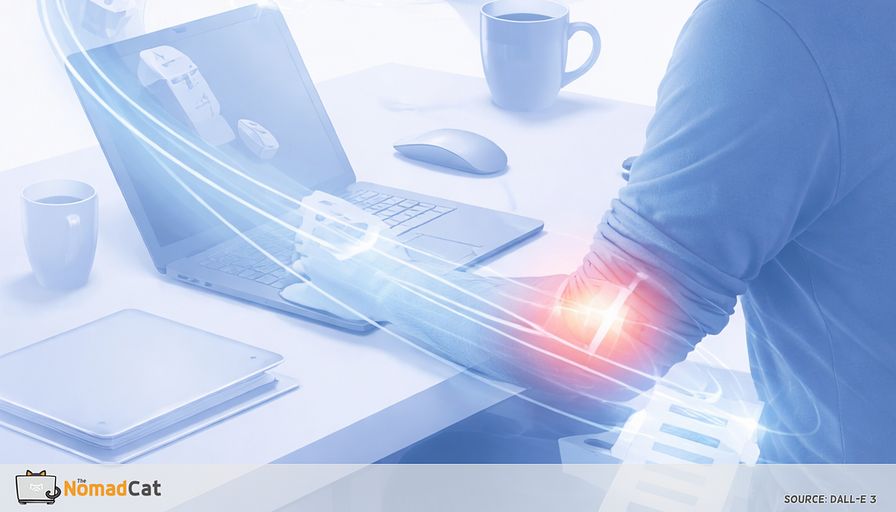
Shoulder support is often the simplest clue. One shoulder feels slightly “on”, like it’s hovering. This shows up when the forearm is not actually supported and the mouse arm floats, doing tiny stabilizing work the whole time.
A quick question helps. Is your forearm really resting on something right now, or is it suspended.
In practice, many people feel less shoulder “on-ness” when the forearm is supported, compared with hovering.
Breathing adds a second log file. Small pauses can appear around micro-events like a click or hitting send. Again, treat it as a pattern you notice, not a badge of scientific certainty.
All this explains the delayed invoice. You stand up, turn your head, reach for a glass, and the body files 8 hours of tickets at once. So we need something small that fits inside a demanding schedule.
The 12 second unarm patch
A tiny state flip that actually fits a workday
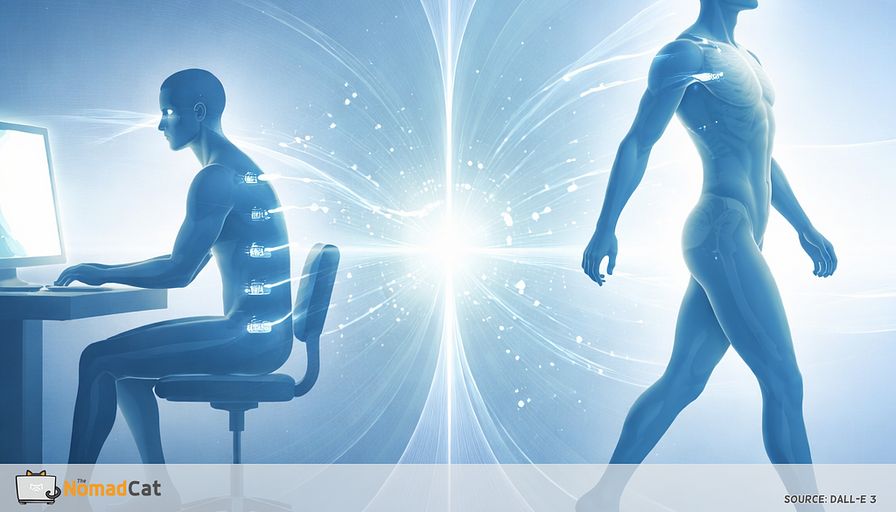
This is not posture fixing and not a new “routine”. It’s a small state change designed to create real rest gaps, fast, with almost no visible movement. Boring is a feature.
Timing matters. Do it at seams, right after hitting send, closing a tab, or ending a call. Breaks tend to be less disruptive when they align with task boundaries. Microbreak research keeps pointing to the same ingredient. Stop and relax briefly (van den Heuvel et al., 2003).
-
Release the mouse or phone completely — real off signal. (2s)
-
Uncurl the hand once (like smoothing a sheet of paper). Then let it go soft. (3s)
-
Re-seat your forearm so the shoulder can stop hovering; desk, armrest, or even your lap is fine for a moment. (3s)
- Exhale a little longer and quieter than the breath before, as a downshift cue. (4s)
Device-guided slow breathing studies showing effects on things like blood pressure usually involve minutes, not 1 breath. So be honest: 1 exhale won’t fix your life. It can still mark the end of precision mode.
Micro variants when you cannot let go
If you’re in a live demo and can’t drop contact, reduce grip force by roughly 20%, soften the thumb, keep contact stable, and pair it with a small exhale. If the mouse slips or control gets worse, back off.
If you’re keyboard-locked, briefly place palms lightly on thighs or the desk to signal “not typing,” then re-seat forearm support where you can. Evidence is stronger in standing balance for light touch effects than for seated desk work, so treat it as plausible, not proven.
The main failure mode is turning this into visible stretching or theatrical breathing, especially on camera, where self-presentation pressure makes people stay still (Bailenson, 2021). This only works if it’s small enough to repeat.
A simple 7 day check that does not turn into tracking
One metric and no new apps
Keep the measurement boring. A workable option is a single end-of-day 0–10 rating for neck or shoulder “on-ness” using a numeric rating scale (Hjermstad et al., 2011). Or a yes/no cue like “did you over-grip something dumb after work.” The point is 1 output signal, not a dashboard.
A seam based dose beats timers most days
Make the dose predictable by attaching it to a few reliable seams. A simple rule is 3 patches per day, only at task boundaries, not “whenever you remember.” Timers often create annoyance and prompt fatigue in real workplaces (Chu et al., 2016), and seams tend to be less disruptive.
Concrete seams that exist even on chaotic days
- Right after Send
- Right after clicking Leave on a call
- Right after pasting a big block of text and pausing to read it
What improvement looks like in real life
“Better” usually means a smaller end-of-day invoice, not a magically silent body.
- The first head turn after logging off feels smoother and less creaky
- Less shoulder hover while sitting still, especially on the mouse side
- Less surprise over-gripping of normal objects in the evening
Microbreak studies tend to find modest reductions in discomfort or fatigue without obvious productivity loss when breaks are short and consistent (McLean et al., 2001; Dababneh et al., 2001). If nothing changes after 7 days, that’s also data. It suggests the bottleneck is elsewhere.
Failure modes and safety guardrails
Support beats posture chasing
If symptoms change character or escalate, stop debugging and get evaluated. Before that, fix the simplest mechanical issue first: the arm that never truly rests. Forearm support tends to reduce upper trapezius activity and shoulder load during computer work compared with hovering setups.
Low-drama options that often help
- Rest more forearm on the desk edge when mousing
- Use an armrest or a small pillow to take weight for part of the day
This is less about “perfect posture” and more about changing the load without needing attention every minute.
When to stop tweaking and get checked
- Same day urgent evaluation if there is sudden or rapidly worsening weakness, new major hand clumsiness, trouble with gait or balance, bowel or bladder changes, or severe systemic symptoms like fever with severe pain (NICE NG127; NICE NG12)
- Within 2 weeks if there is persistent or spreading numbness or tingling, recurrent night pain getting worse, frequent dropping objects, or progressive weakness or visible muscle wasting in the hand (NICE CKS peripheral neuropathy and CTS framing)
- Routine appointment for mild, stable sensory symptoms without weakness that do not improve over a few weeks, especially if setup changes are not moving the needle (NICE CKS CTS)
If your hands never clock out, your shoulders do overtime.