The 10 second wrist reset for post laptop kitchen pain
The article explains why wrist and forearm discomfort often shows up after you stop working—when you’re twisting a jar lid, scrubbing a pan, lifting a tote, or even unlocking your phone—because low-force, high-duration desk work quietly accumulates “wrist debt” that focus and “camera-on statue mode” can mask until normal-life grips and twists reveal it. Instead of prescribing a perfect workstation, braces, or long break routines, it argues for tiny, calendar-proof variability to interrupt the “always on” duty cycle created by mechanics like wrist extension drift (the subtle bent-back position laptops encourage) and the “finger hover tax” (fingers staying semi-armed for trackpad taps and micro-corrections), and it highlights early “logs” you can notice before pain gets loud, such as louder keyboard/trackpad clicks, a nervous pointer, or a hand that stays half-clenched after letting go of the mouse. Its core tool is a 10-second “neutral patch” triggered by existing work seams (Send, leaving a meeting, switching tabs, after an export): briefly drop the wrists, add light support without pressing into a desk edge, do two gentle open-close reps, and optionally take one longer exhale to reduce bracing. The piece also suggests frictionless input rotation (mouse vs. trackpad), toggling between supported and hover modes, and reducing wasted force, then proposes a simple 7-day debug by tracking one boring metric (like whether wrists feel normal within five minutes after work) while applying the patch at three reliable seams per day; it closes with clear guardrails to stop self-experimenting for urgent red flags and to seek assessment for progressive numbness, night symptoms, weakness, or lack of improvement after 2–4 weeks.

You close the laptop and everything seems fine. Then dinner happens and the wrist sends an invoice. Jar lid, pan scrub, tote bag, phone unlock. Nothing dramatic, just that stiff plasticky feeling and a forearm that suddenly has opinions.
This article is for that exact mismatch. The workday can feel neutral while it’s happening, then normal life grips and twists expose the tab your hands ran up in the background. Not because you did something “wrong”, and not because you need a perfect workstation or a 45-minute plan wedged between meetings.
The goal here is smaller and more realistic. Reduce the quiet wrist debt with tiny variability that fits inside a packed calendar.
Small inputs. Low friction. Directional improvement.
I’m French, and I’ve done the desk years across Beijing, Berlin, and now Lisbon. The only thing that reliably works for me (and sticks) is treating these annoyances like a system with signals and inputs, not a moral story about “posture.”
The wrist invoice that arrives in the kitchen
Why it shows up after you close the laptop
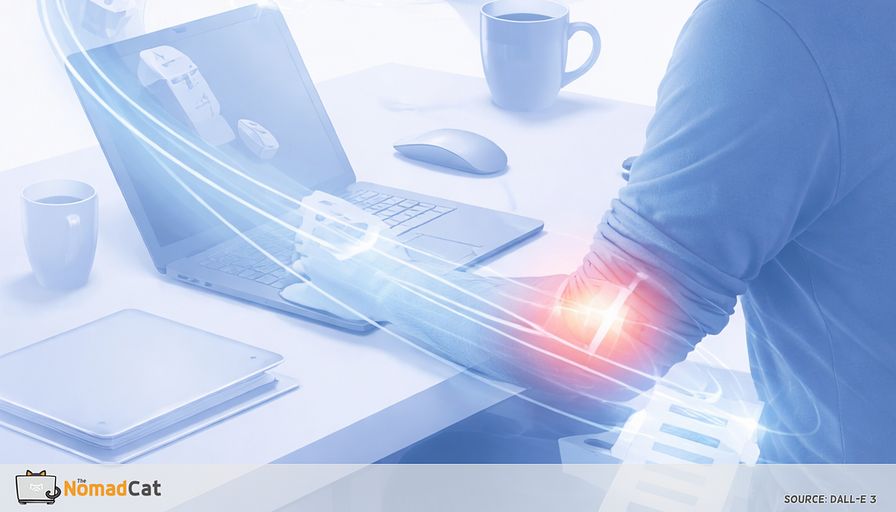
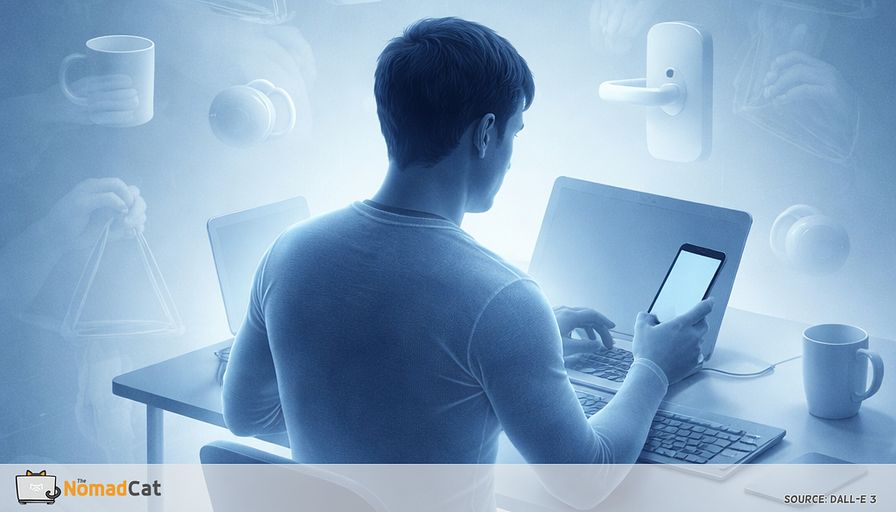
You shut the laptop. The day was boring, no drama, just tabs and meetings. Then you try to twist a jar lid and it feels like the wrist is made of old plastic. Scrubbing a pan needs more effort than it should. Lifting a tote bag makes the forearm complain in a very quiet, very annoying way. Even unlocking the phone or pulling a zipper can feel oddly stiff, like the hand forgot its job.
The mismatch is the point. Desk work can feel fine while it’s happening, and the invoice lands later during normal life grips and twists. That timing is a clue. The wrist did not randomly break at dinner. It was building up load all day, and once your attention is off the screen, the signals get louder.
What shows up is usually not cinematic pain. More like:
- end-range stiffness when you bend the wrist back or forward
- a light forearm buzz, not exactly numbness, more like electrical fatigue
- thumb-side irritation when pinching or gripping
- fingers that feel weirdly tired for no good reason
Low-force precision work also hides fatigue signals. You’re in “do not interrupt, shipping mode” all day, so the system underreports until you stop.
This is not a workstation overhaul. Not a brace pitch. Not a plan that assumes you have 45 minutes free at 3pm. The goal is smaller. A variability patch that survives camera-on days and a calendar that does not care about wrists.
Why the workday hides the problem
Still hands are a job requirement now
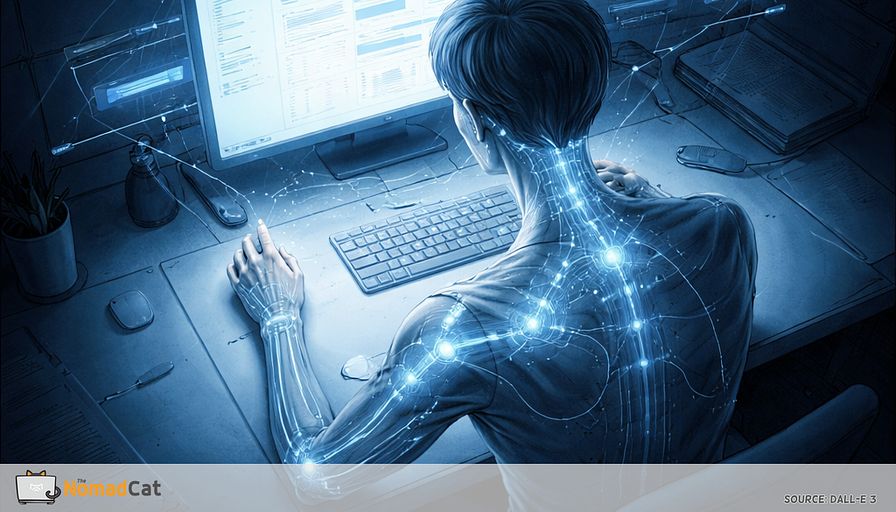
Modern desk work rewards the polite clamp on the mouse and trackpad. The day is a chain of tiny precision tasks with no slack. Doc edits, Slack triage, spreadsheet cleanup, pixel-precise cursor work, laptop-only days, meetings stacked so tight there isn’t even a natural walk to the next room.
Add camera-on culture and fidgeting can read as bored or distracted, so the body chooses statue mode. The calendar also erases good break moments by smearing tasks into 1 long block.
Bracing is an efficiency strategy with a quiet cost
Under time pressure or observation, the nervous system picks stability over comfort. The wrist braces to buy accuracy and reduce micro-errors. That reduces movement variety and the tiny recovery windows you get from shifting and repositioning.
At the same time your attention is pointed hard at the task, which can mute symptom noticing until the task ends. So warnings arrive late and feel random. This is not a “bad habit” story. It is normal performance behavior.
What your hands are doing while you think you are just working
Wrist extension drift
Laptop geometry makes it easy to slide into a bent-back wrist without noticing. A few degrees become normal, then your baseline keeps drifting. Ergonomics advice often aims for near-neutral for long exposures, roughly 0–15° of flexion or extension, with minimal side deviation. Not a religion. Just a forgiving default.
Angle is not moral. It is a pressure and recovery variable, that’s it.
Laptops stack the deck toward extension because screen and keyboard are fused. You raise the laptop to see the screen and the keyboard comes with it. The palm area is short, so the heel of the hand hangs off or searches for support. Trackpad work often means a floating hand plus an anchored wrist.
One anchor is pressure. In measurement studies, carpal tunnel pressure tends to be lowest near neutral and rises with wrist extension and flexion. This is not a diagnosis. It just explains why modest extension held for a long time can make the system less tolerant.
Finger hover tax
The cost is not the force. It is the lack of real off time.
Finger hover is when index and middle fingers stay slightly lifted and ready, especially with trackpad tap-to-click and constant micro-corrections. Add shortcut chords and the hand sits semi-armed for hours.
Duty cycle is the boring explanation that actually explains a lot. Low force is not free when it is continuous. Tissues need tiny gaps for blood flow and fatigue clearance. A decent analogy is a background process that never sleeps. CPU usage looks low, laptop still runs hot by evening.
The early logs before the wrist complains
You can often see it in work artifacts first.
- Your keyboard and trackpad get louder before your wrist gets sore.
- The pointer gets “nervous” with micro-corrections and occasional missed clicks.
- You leave the mouse and the hand does not fully open. Fingers stay curled like they are still holding an invisible device.
These aren’t personality traits. They are signs of bracing for speed and correctness. The nice part is wasted force is often removable without changing tools.
At the end of a block the body often asks for variation. Common impulses:
- shaking out the hands once or twice
- rubbing the forearm like you are erasing pencil marks
- cracking knuckles
- pressing palms together or stretching fingers wide
Sticky first moves are often reversible within seconds. After stillness, glide conditions change, then improve with a bit of motion. 5–10 gentle motions can make the next grip feel normal again. State effect, not a diagnosis.
And yes, the invoice loves domestic tasks: the pan scrub, the tight zip on a jacket, the keys you twist in the door. Small torque, big complaint.
Why the wrist waits until dinner
Focus turns the volume down
It is easy to misread as “it was fine all day so it can’t be the desk.” It can.
During high-focus work, internal signals compete badly for attention, so they get pushed down while accuracy matters. Then the meeting ends, the laptop closes, and there is spare bandwidth, so the body gets heard again.
Practical implication: it helps more to insert tiny pattern changes than to try to monitor every sensation all day.
Static posture debt
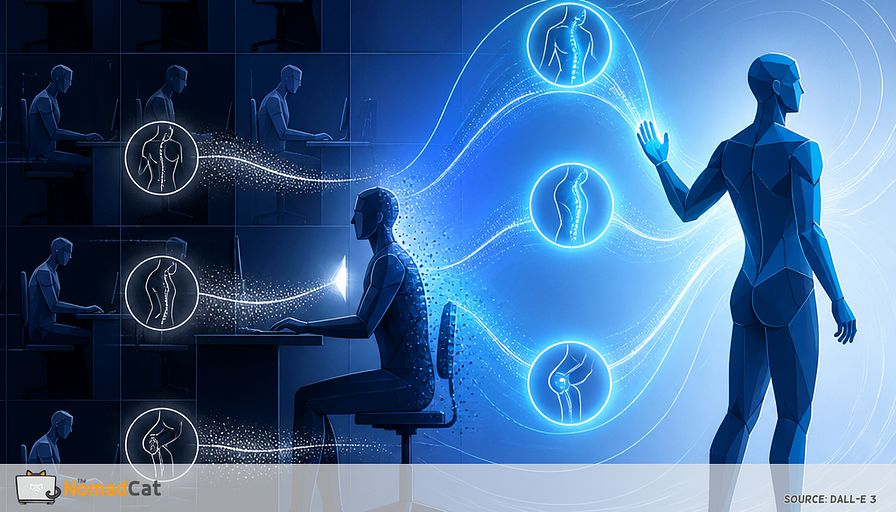
Even if the angle is small, muscles can be “on” long enough to fatigue. Passive tissues also adapt temporarily to the held position. Then you go from small static posture to a jar twist or tote carry and it feels expensive. Nothing needs to be torn for it to feel stiff and cranky.
The 10-second neutral patch for wrists that refuse long meetings
A seam trigger that does not need a timer
Run the patch on work seams you already hit 40 times a day. Think if X then Y.
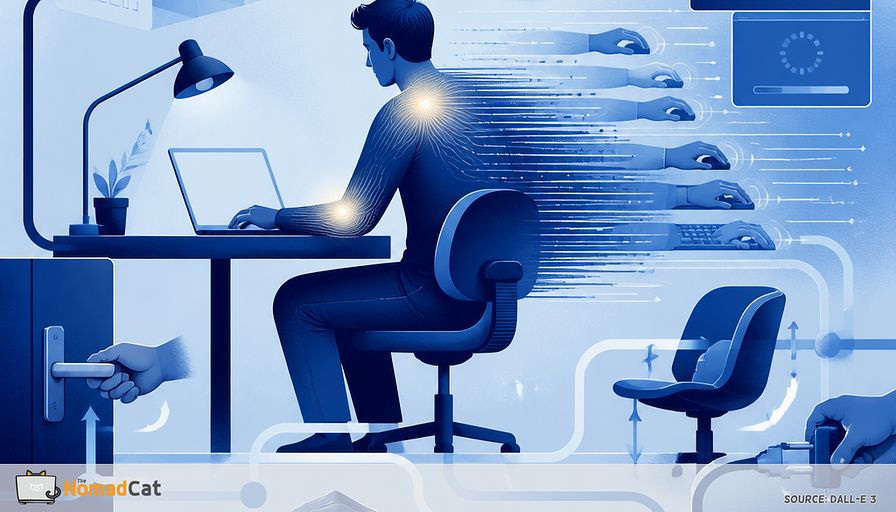
Seams include hitting Send, leaving a meeting, switching tabs after a search or Slack check, after an export / compile. No app. No timer. No desk theater.
The patch
1) Drop the wrists for 2 seconds. Let the hands hang off the keyboard or rest in your lap.
2) Add light support. Bring hands back and let the palm heel or forearm make gentle contact with the desk so the wrist is not hovering. Keep it light. Avoid pressing the distal wrist into a hard desk edge.
3) 2 slow open-close reps. Open the hand wide, then close softly like holding a tissue. No squeezing.
4) 1 longer exhale. Just one. Not a breathing routine. A small state downshift that can reduce bracing. If it feels performative, skip it. The first 3 steps still do most of the mechanical work.
Micro-variability without desk theater
Rotate inputs
Rotation only helps if it is frictionless enough to survive a normal week.
A simple split is mouse for 5–10 minutes per hour and trackpad for the rest, or split by task type. The target is not “best device.” It is exposure variability.
Toggle support mode
Alternate short periods of light support with brief intentional hover when speed matters, instead of drifting into 1 mode all day. Precision-heavy work can justify more brace. Reading, scrolling, inbox triage often doesn’t. The win is agency.
Reduce waste force
- click and tap lighter during low-stakes work
- type at the minimum force that registers cleanly
- let the cursor be slightly imperfect when it does not matter
- use short “stop touching everything” pauses as rest breaks
Less bracing means more micro off-time. In low-force, high-duration work, small reductions in continuous tone can help more than you’d expect.
A 7-day debug that does not need an app
Pick 1 metric and 3 seams
Pick 1 output metric boring enough to log for 7 days.
- Option A wrists feel normal within 5 minutes after work, yes/no
- Option B shake-out urge at end of day, 0–3
Run the 10-second patch at 3 reliable seams per day, not every time you remember. Keeping the input cheap is the whole design.
Success is not perfect comfort. It is softer end-of-day stiffness and fewer “why does a jar feel heavy” moments. If day 7 is hypothetically only 20% better, that is still a directional signal.
How to read the week
Expect noise. Sleep debt, deadline stress, and mouse-heavy precision days can worsen symptoms even if the patch helps underneath.
If there is any signal, scale slowly. Add 1 more seam, or try input rotation. If there is no signal, that is also data. Adjust the hypothesis instead of stacking complexity.
Guardrails that beat posture hacks
Stop self debugging when urgent signs show up
Seek urgent care with trauma plus deformity or you cannot use the hand, rapidly increasing swelling, signs of infection (hot, red, very tender, fever, pus), or circulation flags (cold, pale, blue). Don’t negotiate with emergency signs using desk tweaks.
Prompt check patterns
Book a prompt check if you have:
- numbness or tingling that is persistent or getting worse
- symptoms waking you at night more and more
- weakness, dropping objects, clumsy pinch
- visible thenar area shrinking (thumb pad), which can signal strength loss
This is not saying “it is CTS.” It is saying progressive sensory symptoms plus motor signs deserve respect.
Time checkpoint
If symptoms are not trending better after 2–4 weeks of reducing exposure and adding variability, treat it as a checkpoint and get assessed.
Safe takeaway
A lot of desk hand problems are duty cycle and missing variability, not fragility. Small patches and microbreaks can help, especially when they survive ugly weeks. But red flags override desk tweaks every time, and progressive numbness or weakness should not be treated like a productivity bug to patch later.
Desk days can look harmless in real time, and then a normal kitchen task makes the bill visible. The useful move is rarely a perfect setup; it’s one small seam where you stop paying wrist debt on autopilot. One seam plus one boring metric is often enough to see whether the trend is changing.