Add back push pull twist so remote work stops billing your forearms at 18:00
The article argues that many aches from long remote desk days aren’t mainly a lack of steps, posture, or motivation, but the disappearance of the “missing hardware layer” of office life: all the tiny, unscheduled resisted interactions—pushing snagging chairs, pulling heavy doors, dragging bags, twisting caps, wrestling drawers that stop at 80%, and even unplugging “a cable designed by a villain”—that used to give your body varied push/pull/twist/bracing inputs throughout the day. Without that mechanical variety, the body “sends invoices” in quieter ways like nighttime forearm tightness, shoulder heaviness, and an upper-back “background process” stiffness, even if your setup is decent and you hit your step count, because walking (locomotion) doesn’t fix a manipulation-variety problem. The proposed fix is deliberately unheroic systems thinking—treat movement like a wider “movement API”—by using event triggers instead of timers: “one handle per transition” (after Send, after Leave meeting, while waiting to Join), where a single boring, camera-safe rep counts (slow door open/close, controlled drawer pull/push, bottle carry plus cap twist, light chair drag, towel wring), ideally during the micro-pauses already baked into work (call waiting, kettle time, exports, logins). It emphasizes guardrails (light force, comfortable range, stop if symptoms sharpen or spread; seek evaluation for red-flag signs like progressive weakness or worsening numbness) and recommends a simple 7-day “debug” to get signal rather than another abandoned plan: pick one trigger you hit often, pair it with one tiny handle action, and record one daily 0–10 symptom score at a consistent time; if nothing changes, that’s still useful data pointing to other bottlenecks like sleep, workload density, or input devices.
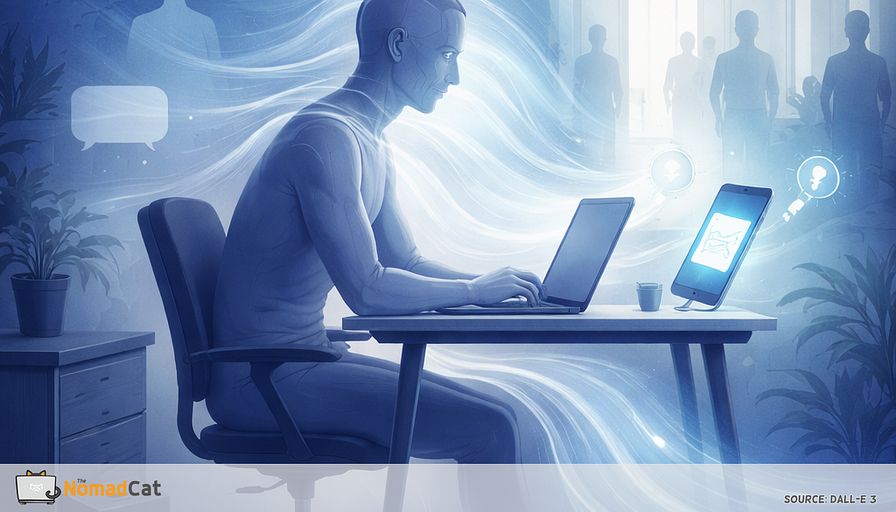
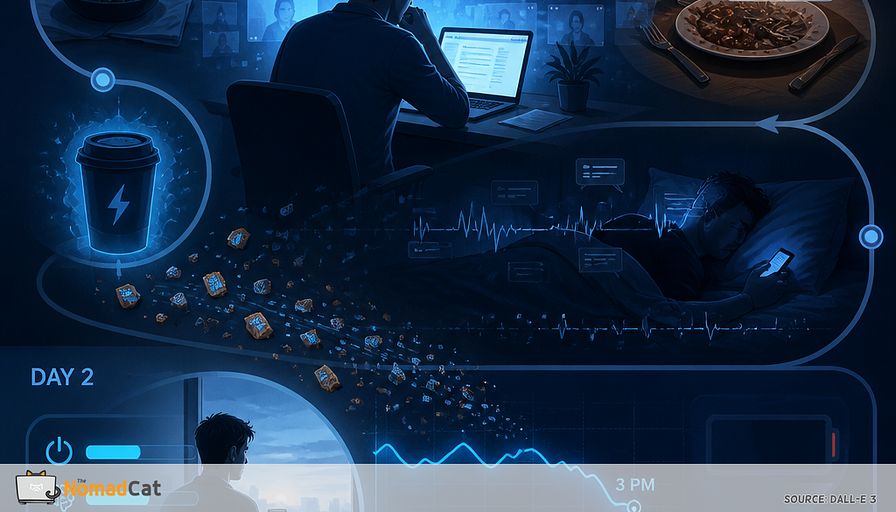
A 10-hour desk day already eats the day. Meetings stack. Lunch happens at the keyboard. Exercise gets postponed with impressive consistency. And if you work remote, the day can start to feel oddly weightless, like your body is online but not really doing anything.
Most advice assumes you have spare time and spare attention. Another app. Another plan. Another set of reminders you will ignore by 11:07. The problem is not that you do not care enough. It is that your calendar is full, and your work uses the same narrow movement pattern for hours.
This article looks at a quieter missing piece. Not steps. Not posture. More like the missing hardware layer from office life: all the tiny resisted interactions you never scheduled but still did.
- pushing chairs, pulling doors, dragging bags
- twisting caps, wrestling drawers, unplugging cables designed by a villain
- small reaches, small bracing, small changes of grip and side
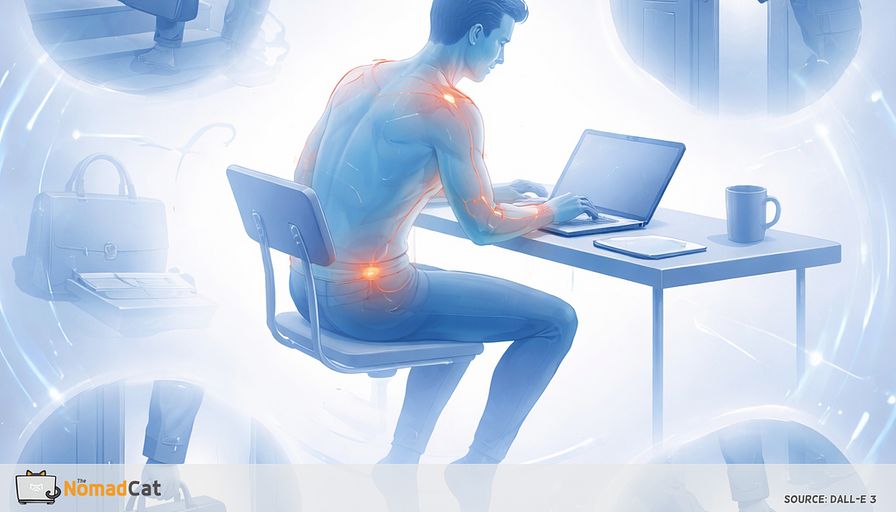
When that mechanical variety disappears, the body still sends invoices. Just quieter ones. Forearm tightness at night. Shoulder heaviness for no dramatic reason. Upper-back stiffness that shows up like a background process you forgot to kill.
Here is the whole idea in 1 line: use transitions and small waits you already have to add 1 boring push/pull/twist “handle” back into the day.
The vibe is systems thinking. Small inputs. Event triggers. Wider movement API. Not hero mode, not perfect posture, and not pretending you have free afternoons.
The missing hardware layer
Office days had friction you did not schedule
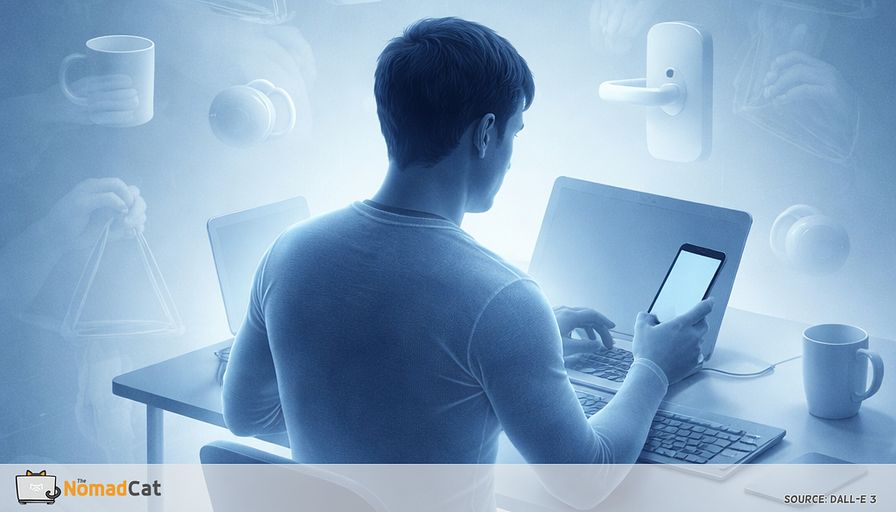
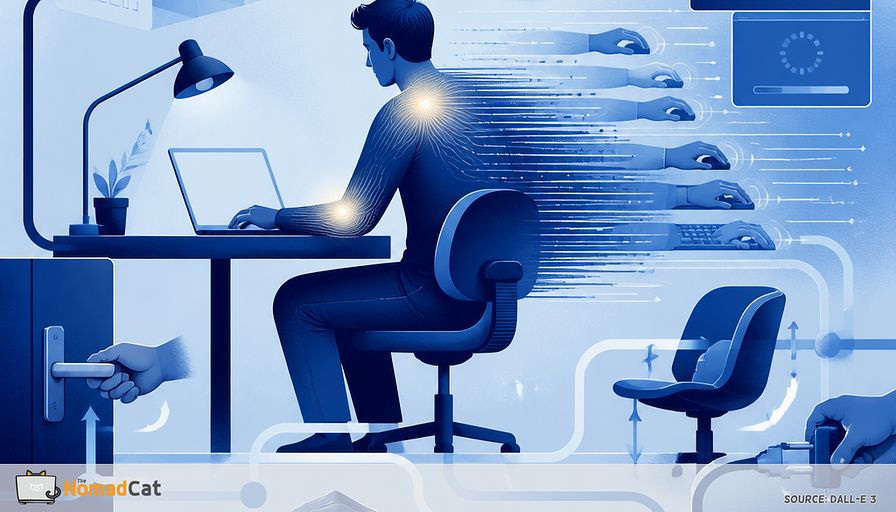
In an office, the day had tiny mechanical annoyances you never had to plan. Doors that stick. Chairs that snag. Drawers that jam. Cables that fight back. That stuff was not a workout. It was just mechanical variety.
Ergonomics guidance often frames this as an exposure problem: low force, long duration, lots of repetition, not much recovery. Not a morality play about posture.
Here is the kind of input that disappears when your world becomes laptop, mouse, phone, mug.
- Pulling a heavy door
- Pushing a chair back at a weird angle
- Dragging a bag over carpet
- Wrestling a drawer that stops at 80%
- Unplugging a cable designed by a villain
- Carrying a laptop to a meeting room
- Moving a monitor stand that never slides smoothly
When that variety disappears, the body still sends invoices. Just quieter ones.
- Forearm tightness that shows up while scrolling at night
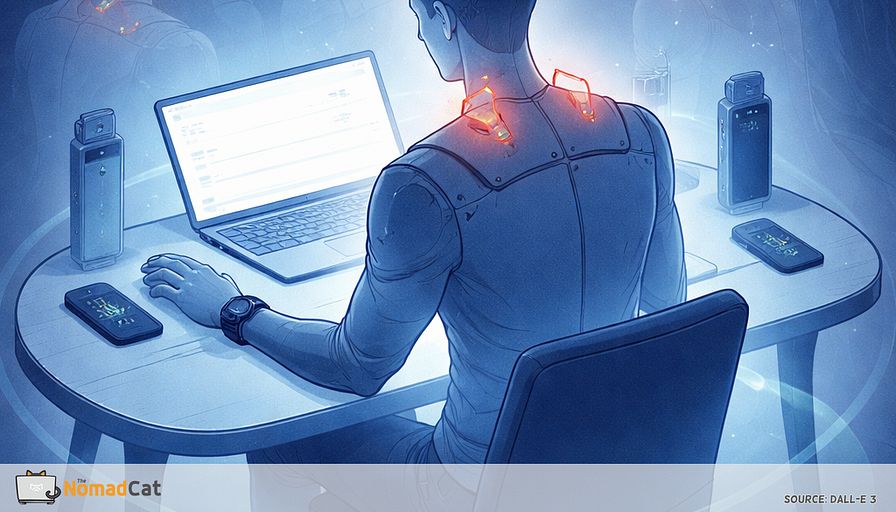
- Shoulder heaviness without any dramatic trigger
- Wrist fatigue even with a decent setup
- Upper-back stapled feeling by the end of the day
Even with acceptable alignment, this can be a dose and variety issue. Static loading plus repetition adds up.
The author’s early signal after long desk stretches, including remote years, is upper-back tightness that builds quietly until it forces a move. That fits the general idea. Long exposure plus low variation tends to surface somewhere.
Why steps do not fix it
Splitting movement into layers makes the mismatch obvious.
1) Locomotion like walking and stairs
2) Loading like lifting and carrying
3) Manipulation like twist, push, pull, brace, open, drag
This is mostly about the third one.
You can hit 8k steps and still do 10 hours of precision-only work. Same wrist angles. Same tiny grips. Same shoulder position. Lots of repetition, thin recovery. Both things can be true at once.
This is also why sit straight rarely fixes everything. Your hand does not work alone. Your shoulder and upper back do the quiet stabilizing so the hand can do its thing. With only typing and mousing, the body is basically running 1 narrow movement API all day. It works. It is just narrow.
Better setup helps, sure. But it does not cancel 10 hours of narrow input.
Add handles back to your day
One interaction per transition
Timers get ignored. When I remember dies by 11:07. Meetings eat intentions for breakfast.
A more reliable approach is event triggers, like software hooks into events instead of hoping a human remembers.
Rule
Every transition gets 1 handle.
After Send. After Leave meeting. While waiting for Join. The point is a small resisted interaction that changes grip, angle, or side.
Microbreaks do not need to be a 5-minute break with a ritual. Think 1 rep during a 30–90 second wait, the kind of time you already lose.
A handle can be almost boring.
- Open and close a door once
- Pull a drawer once, then push it back under control
- Carry a bottle to refill
- Twist a cap on and off once, not max tight
- Place an object on a shelf, then bring it back
1 rep counts. Boring is good. It means it might happen on a Tuesday.
If you want a human reason for this framing, it is systems thinking, not discipline. The author has a physics background and a long desk career. I studied fundamental physics in Paris, and I still default to measuring: Polar H10 for workouts, a Decathlon watch for basics. This reads more like missing input channel than lack of willpower.
Small, camera safe replacements
Door and drawer work because they add gentle push pull and reach. Twist tasks add a missing pattern most desks never demand.
If standing is easy in your space
- Stand up like you are just stepping out
- Open the door slowly
- Pause 1 second near end range
- Close it slowly
- Switch hands next transition
No door. Use a drawer instead
- Pull it out slowly
- Place some harmless item inside
- Push it back in under control
Add twist without making it weird
- Move 1 non-critical cable so you plug and unplug it once or twice a day, slowly, swapping hands
- Keep your bottle a bit away so refills include a short carry plus a cap twist
Add a tiny drag for whole-body bracing
- Reposition a light chair, a small box, or a footrest by 30–60 cm
- Keep force light and controlled
If standing is not possible, seated options still count.
- Seated drawer pull in a short range, 1 hand then the other
- Gentle towel wring on a countertop, elbows close
- Slow reach to place something on a nearby surface, then swap sides
- Grip change with a bottle or mug, no squeezing contest
Constraints are not a blocker. They are the design spec.
Use the waiting time you already have
Your calendar is full but it still leaks micro-pauses
A 10-hour desk day is not a clean block of focus. It is mostly small waits disguised as work.
So the move is not adding time. It is relabeling time you already lose.
Those micro-handles also mark “that meeting ended” in your body. Remote work erased the boundary, so the day smears. Your shoulders keep taking notes even when your calendar says you are done.
Dead-time inventory, modern version
- 30–90 seconds before a call starts
- Waiting for someone to join
- Camera-off moments while you are still listening
- Kettle, coffee machine, microwave
- File export, build, compile, upload, deploy
- Waiting for a notebook to run or a model to finish
- App update, restart, not responding
- 2FA and login loops
- The where is that cable minute under the desk
A tiny rule that makes it automatic
If you are waiting anyway, touch something real that resists.
Push, pull, twist, hinge.
Treat it like distributing load across the day. Cumulative exposure plus thin recovery is usually the problem. Distribution is a practical fix.
One rep is fine.
If optics worry you, low-drama scripts help.
- Off camera 30 sec, still listening.
- Give me 20 sec, quick stretch, I’m here.
- I’ll join audio first, camera in a minute.
Guardrails that keep this boring and safe
Keep force light and keep the signal clean
The goal is variety, not intensity.
- Keep forces light and controlled
- Keep range comfortable
- Stop or scale down if it makes symptoms sharper, spreads them, or makes them less predictable
Pushing through is rarely the clever option.
Stop signs that should trigger medical evaluation
It is reasonable to pause self-experiments and get assessed if any of these show up.
- Progressive weakness, new clumsiness, or worsening loss of sensation
- Persistent numbness or tingling that is getting worse, or symptoms radiating down an arm
- Unilateral arm swelling that is new or increasing
- Hot red swollen joint, spreading redness, or fever
- Severe night pain that does not feel mechanical
- An unexplained growing lump
For everything else, adapt the idea to your constraints rather than abandoning it.
A 7-day debug that stays small
Keep it stupid small
This does not need another plan. It needs a tiny test that survives meetings, late lunch, and the I’ll do it later lie.
1) Pick 1 trigger you already hit 20 times a day, like clicking Leave meeting.
2) Pick 1 action that is boring and light, like door open close, then swap hands next time.
3) Do it for 7 days. No stacking. No extra credit.
Measure 1 boring thing once per day, not a dashboard. Rate it at 18:00, same scale, same question.
- Forearm tightness 0–10
- Shoulder heaviness 0–10
- Upper-back cardboard feeling 0–10
The author already tracks things like HRV, sleep, and calories. The point here is the opposite.
Minimal input. One number. Consistent timing.
If nothing changes, that is still useful information. Success is rarely pain goes to 0. It is more like symptoms show up later, feel less sticky, and stop ambushing the same hour every day.
A pragmatic rule of thumb for meaningful change on a 0–10 scale is roughly 2 points or about 30%, not a magical perfect score.
When nothing changes
A null result is still a result
If 7 days of tiny handles changes nothing, it usually means the bottleneck is somewhere else.
Sleep debt, workload density, input devices, pure duration. Those can dominate even when variety improves. The next step is not try harder. It is change 1 variable. The author’s hardest variable is sleep, and late-night desk work is a known default tendency.
A small escalation ladder that stays boring
Keep the same 7-day format and swap only 1 knob.
- Change the handle type, more push pull or more twist, still light
- Increase frequency instead of adding longer breaks, 2 micro-handles per hour instead of 1
- Reduce repetition strain at the source, rotate input, swap mouse hand for 30–60 minutes, trial a trackball, add forearm support
Put the friction back
Remote work did not break you. It removed a thin layer of normal physical friction.
Put a few handles back so the day has more than 1 movement API. Steps handle locomotion, but they do not cover push, pull, twist, brace. Most remote days are not missing motivation. They are missing friction.