Give remote work a done signal so your brain stops polling
The article argues that the restless “still on duty” feeling many people have after closing a laptop in remote work isn’t a discipline problem but a missing handoff: unlike offices—where tiny physical delivery moments (walking something to a colleague, dropping papers in an in-tray, hearing “got it”) created an implicit completion signal—remote work keeps everything editable, reversible, and socially ambiguous, so the brain stays on standby like a network packet waiting for an ACK, fueling constant re-checking of docs, tickets, and threads and even showing up physically as jaw tension and “armored” upper-back tightness (a pattern the author recognizes from years of desk work from Beijing to Berlin to Lisbon). To make “done” believable without turning productivity into a calendar religion, the piece recommends rebuilding fast “delivery proxies” that take 5–60 seconds and attach to existing triggers (like leaving a meeting or sending a high-cost message): simple object transfers (move a coin, drop a sticky note in a “shipped” box), brief space transfers (a quick doorframe/threshold loop), or closed-loop social acknowledgments that explicitly confirm receipt, ownership, and next steps (“Can you confirm you got it?” “Owner should be you—next step is Y, right”). It closes by suggesting a 7-day “debug test” using one trigger and one proxy, tracking whether end-of-day static, micro-checks, and shoulder bracing decrease—treating the experiment as systems troubleshooting rather than self-improvement.
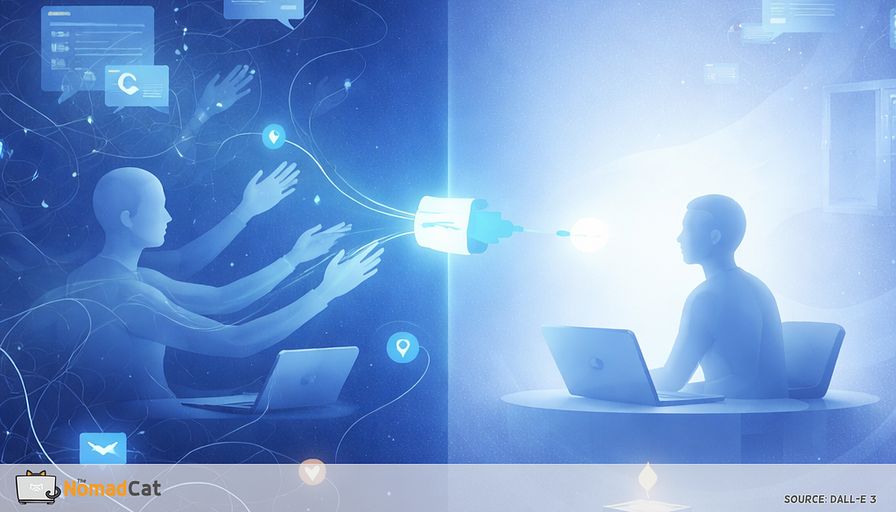
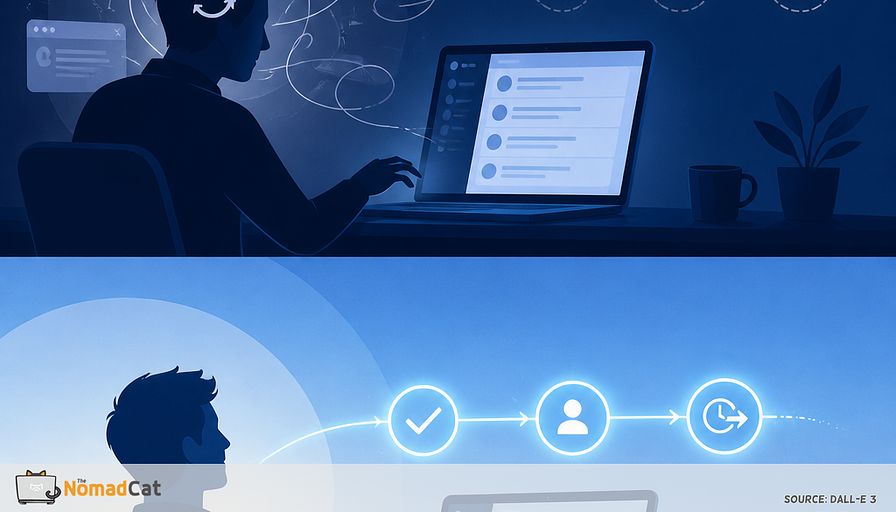
You close the laptop. Or you close Slack. The day is “done” on paper, but nothing really left your hands. The doc is still editable. The thread is still there. The ticket can still be tweaked. So a small part of your brain stays on standby, like it is waiting for an ACK that never arrives.
That lingering mental noise is a missing handoff.
This article is about rebuilding a believable done signal in remote work, without turning your calendar into a new religion. The goal is simple. Help work feel shipped so your brain, and your shoulders, can actually clock out.
You will learn
- why offices had invisible completion signals and why remote work quietly removed them
- what a “delivery moment” is and why clicking send rarely gives the same closure
- how reversibility and responsiveness pressure create the checking loop
- the small tells that you are missing handoffs, in your tabs and in your body
- a few fast “delivery proxies” that take 5-60 seconds and still work on meeting-wall weeks
- a 7-day debug test to see if any of this changes the end-of-day static
No big motivational speeches. No branded routines. Just a systems fix for the problem where work never really stops following you, even when you technically stopped working.
The missing handoff
A workday with no real ending
So your brain keeps a small monitoring thread running. Not dramatic panic, more like low-grade still on duty.
That is a design problem more than a discipline one. When nothing visibly leaves your hands, everything stays in draft mode, and stopping work is not the same thing as detaching from it (Sonnentag & Fritz, 2007). Add the pressure to respond fast and keep tabs, and detachment gets even harder, with more exhaustion on the side (Barber & Santuzzi, 2015).
In an office, lots of work had an invisible done signal. Remote work removed it.
Why offices had an invisible done signal
In an office, work often had a tiny built-in handoff. You stood up, walked something to someone, got a nod or “ok got it”, and the task moved to a different owner.
Think of it like a missing ACK, a simple “received”. You did the handoff, but you never got clean confirmation, so you keep checking if it landed. Small acknowledgments matter for shared understanding, even when the content is simple (Clark & Brennan, 1991). Without them, the system runs extra coordination work in the background, and you feel it as mental residue.
The fix is usually not more willpower or a new productivity religion. It is rebuilding a cheap, work-legible done signal that survives back-to-back meeting days.
Delivery moments were the office completion system you never named
What a delivery moment really was
Remote work did not just remove commutes. It removed dozens of tiny delivery moments that told your brain this task has left my custody.
A delivery moment is a small transfer plus a micro-confirmation that moves a piece of work into someone else’s hands.
Typical office versions were boring and effective
- handing a printout to someone and watching it leave your hand
- dropping a signed page into an in tray
- walking a folder to a desk and hearing “ok, got it”
Physical stuff has an unfair advantage. Its state is easy to see and stable, so you do not have to reopen anything to check what is going on (Sellen & Harper, 2002).
Why handing something over feels different than clicking send
Physical transfer changes status in a way your brain trusts. The object is no longer in your pile. It is not available for instant tweaking, and that matters.
This is cognitive offloading. When the world carries part of the state, you do not have to keep rehearsing it internally (Risko & Gilbert, 2016). An email in Sent is still easy to reopen, reread, and doubt again.
Side effect, it also made people stand up without making it weird.
Movement that looked like work
In an office, getting up to deliver something had a business reason. It was role-legible. Nobody had to announce “i’m taking 45 seconds to move my spine.”
Short breaks help with fatigue and discomfort without really hurting output (Kim, Park & Niu, 2022). The problem is not the evidence. It is the reality of meetings stacking and lunch turning into keyboard eating.
Closure makes work stop following you
Shipped work gets quieter in your head
Unfinished tasks stay mentally loud. Remote work keeps the whole universe on the same device, in the same chair, in the same visual field. So done becomes socially and visually fragile. You can close the laptop, but everything is still there, reopenable in 2 seconds, and your brain treats that as still kind of mine.
That is detachment, not motivation (Sonnentag & Fritz, 2007).
Unfinished tasks keep pinging you
Interrupted tasks tend to stick around and pull you back (Zeigarnik, 1927). Even a simple plan can reduce intrusive thoughts because it gives the goal a next step and a place to sit (Masicampo & Baumeister, 2011). That is why it is easy to reopen the doc you already delivered or check the thread “just to confirm.” Your brain treats ambiguity as an open loop.
Clear ownership kills the polling loop
When ownership is explicit and acknowledged, monitoring drops. In remote handoffs, the ambiguity is usually concrete: who replies next, what “done” means (reviewed, approved, merged, published), and where the artifact lives (in a doc, a ticket, a thread, or a PR). If any of those stay fuzzy, you start polling the system with “reasonable” checks, because you cannot tell whether the work is in motion or just sitting there.
When roles and next steps are fuzzy, strain goes up, which matches role ambiguity research (Jackson & Schuler, 1985).
Remote tools quietly make ambiguity easier and endings more reversible. Convenient for editing. Terrible for mental shutdown.
Remote work turned delivery into reversibility
When everything stays editable, your brain stays on standby
Ready mode rarely feels like panic. It shows up as small, “reasonable” checking.
The doc is still in Drive. The PR can be amended. The thread can wake back up because someone reacts at 21:47. Even sent is not a hard boundary, it is more like published but still negotiable.
So closure gets replaced by planning. Not a big life plan. Just a next step that tells the brain where the task will live tomorrow (Masicampo & Baumeister, 2011).
Checking is uncertainty reduction that trains more checking
Check Slack or email. Get a tiny hit of relief. Nothing is on fire. Then check again because the system still has no stable done state.
Responsiveness pressure, telepressure, is linked to poorer detachment and more exhaustion (Barber & Santuzzi, 2015). And “just stop checking” lands badly on a 10-hour desk day. In one study, reducing how often people checked email reduced stress, even without changing total workload (Kushlev & Dunn, 2015).
Quick checks that you are missing handoffs
Mental signs that work never leaves your hands
Common tells
- you finish something, but you do not feel finished
- you reopen the same doc or ticket “just to make it clearer” after it was already sent
- you reread sent messages to see if they sound wrong or incomplete
- you keep the thread tab open like it is a living thing
- you end the day with the sense that everything is still a draft
If you keep reopening what you already shipped, it is usually not a discipline issue. It is missing a credible handoff signal.
Body signs of always ready mode
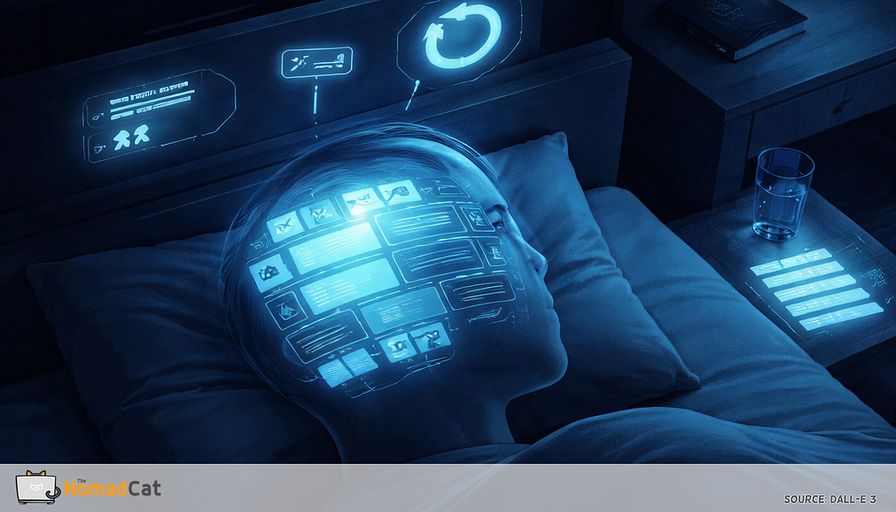
Missing handoffs also show up physically. Upper back feels slightly armored. Traps stay up. Jaw is tight. Even when energy is low, the thumb keeps scrolling like it is still on call.
The boring mechanical reason is static load plus low variation. Long stretches of low-level muscle activation add up. This is why tiny movement interruptions matter. They tend to reduce fatigue and discomfort with minimal productivity cost (Kim, Park & Niu, 2022).
I have spent most of my adult life at a desk, from Beijing to Berlin to Lisbon, often past midnight, and the early signal for me is simple. Upper-back tightness builds quietly until it forces movement. i can work a full day without eating, drinking, or moving. i know now that is not a superpower. That kind of signal can be treated like a system log, not a reason to panic.
The replacement principle that makes work feel shipped again
Rules that survive meeting wall weeks
You are not trying to build a new habit here. You are attaching a tiny transfer to a thing you already do, so it runs even on brutal days.
- takes 5-60 seconds
- triggered by a real work event
- creates a felt transfer to out of my hands
- no tracking, no streaks, no calendar blocks
- if it adds friction, it dies next week
Event triggers beat timers. It is more robust to link the proxy to after Send or after Leave meeting than to a timer you will ignore.
3 delivery proxy types that recreate transfer in seconds
1) Object transfer proxies
These work when the brain wants an outbox.
- move a coin from in jar to out jar after Send
- drop a sticky note in a small box labeled shipped
- close the notebook and put it in a drawer
Keep the token stupidly simple. If it becomes a craft project, it becomes a weekend-only behavior.
2) Space transfer proxies
If you do not want objects, use space instead.
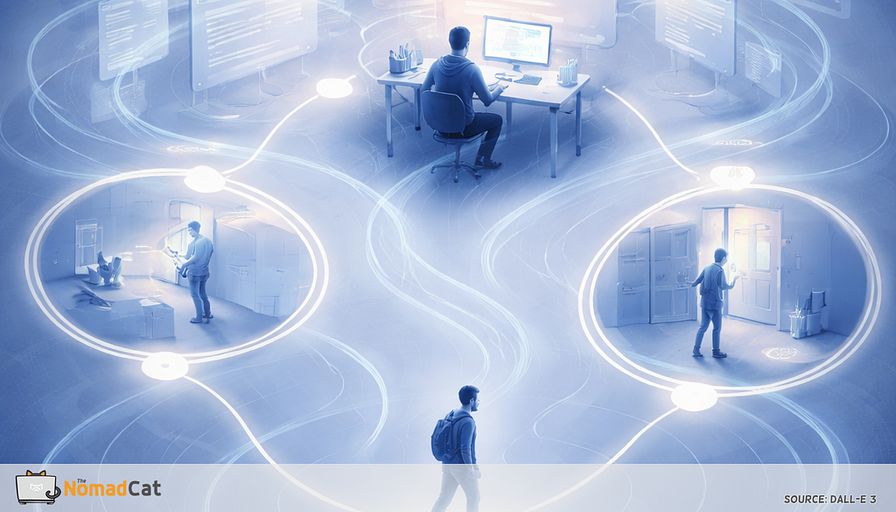
After an important send, stand up, walk to a predefined drop spot, touch it, and come back. Or do a 10-second threshold loop, cross a doorframe and return. The point is not cardio. It is irreversibility for 1 moment.
3) Social acknowledgment proxies
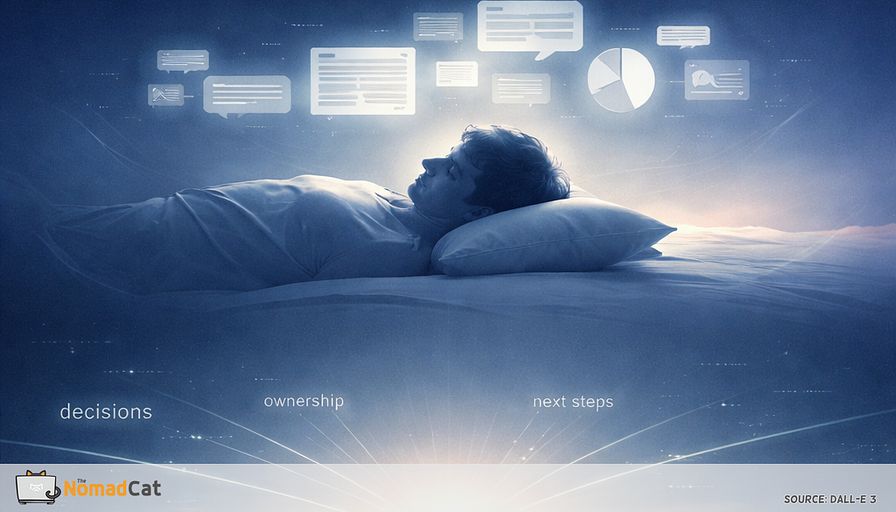
The strongest closure is often social acknowledgment. Closed-loop communication reduces ambiguity by making the handoff explicit, especially on things like approvals or cross-time-zone handoffs where silence can mean “saw it”, “will do later”, or “didn’t notice.”
A few 1-line phrases
- “I sent X. Can you confirm you got it”
- “Owner should be you. Next step is Y, right”
- “If helpful, I can do A. Otherwise it is with you”
- “Blocking issue is Z. I’m paused until you reply”
This is not about doing more work. It is about ending work in a way your brain believes.
Triggers that survive meeting chaos
Pick a trigger that already exists
Not every Send deserves a proxy. If it fires 40 times a day, it becomes noise.
Triggers that still happen on the worst calendar
- leaving a meeting when you click Leave
- send on a high-cost message where silence tends to create checking
- start of an upload export build when you hit run
- approval moments when you request sign-off
- handing off a blocker when you assign a ticket or ask for a decision
Define high cost sends so the system stays light
High-cost means a send that tends to create uncertainty and therefore checking.
2 examples that usually qualify
- a decision request that changes the plan depending on the answer
- a real handoff where ownership moves and you do not want “wait who has this” tomorrow
If you would not reopen it later “just to make it clearer”, skip the proxy.
A 7 day debug test you can run on a bad week
Pick 1 proxy and 1 trigger. Keep everything else the same for 7 days. Treat it like debugging a flaky input, not becoming a new person.
At around 18:00, a 20-second check
- did work feel more delivered today 0-10
- how many times did i re-check sent items
- if you track sleep, note last night’s sleep duration (or HRV) and see if shutdown days correlate
A win is boring. Fewer micro-checks. Easier shutdown when you close the laptop. Less end-of-day bracing in neck and shoulders because the system finally said handed off.
If nothing changes, that is also data. Most often it is because notifications are still leaking into the evening, or you are running on sleep debt and everything feels sticky. It can also mean the proxy is wrong for your workflow.
If sleep is consistently wrecked for weeks or anxiety keeps rising, it is worth widening the lens beyond workflow tweaks.
The goal stays simple. Give work a believable handoff, so your brain and your body can clock out.
When the handoff is believable, the room gets quieter.